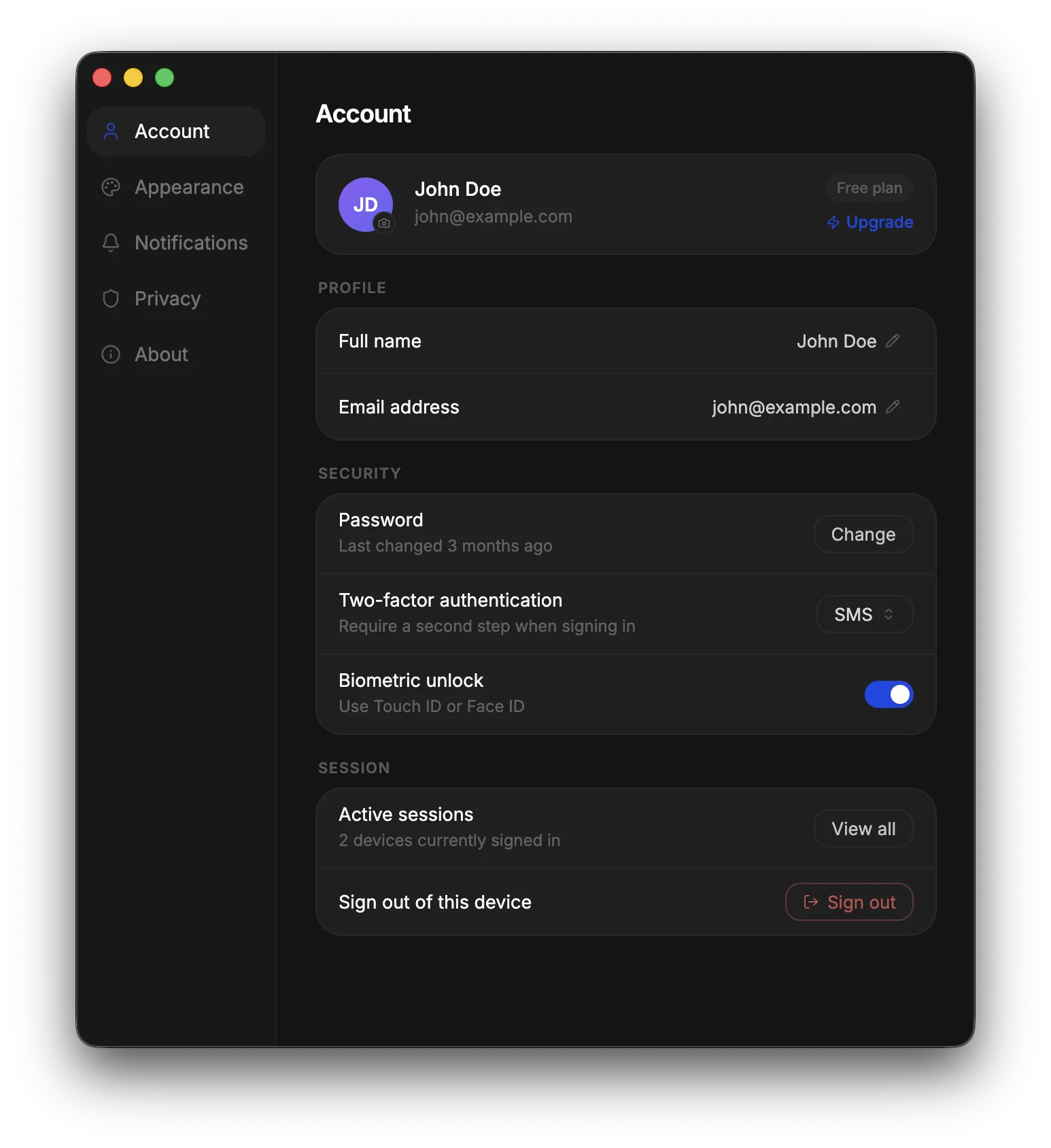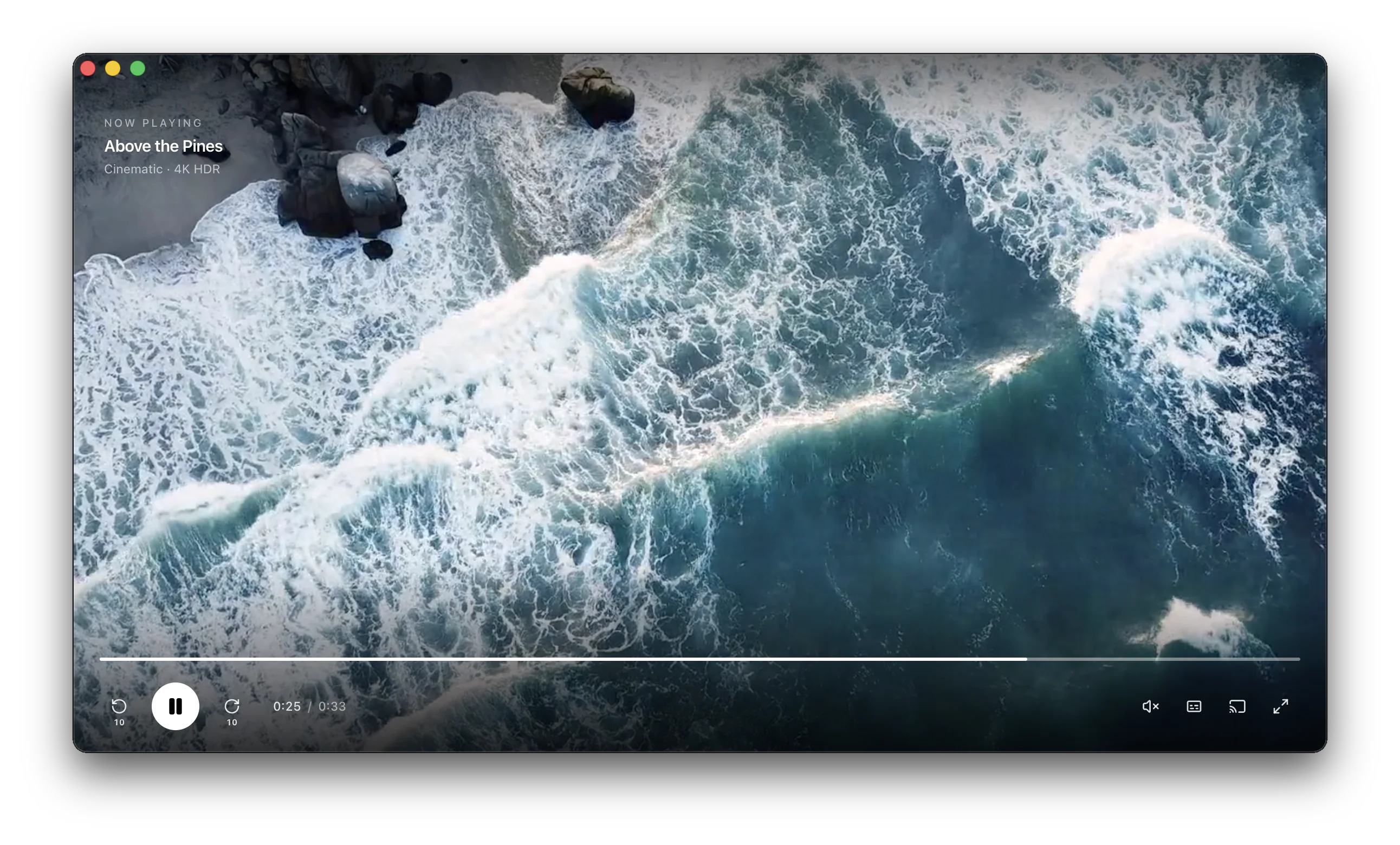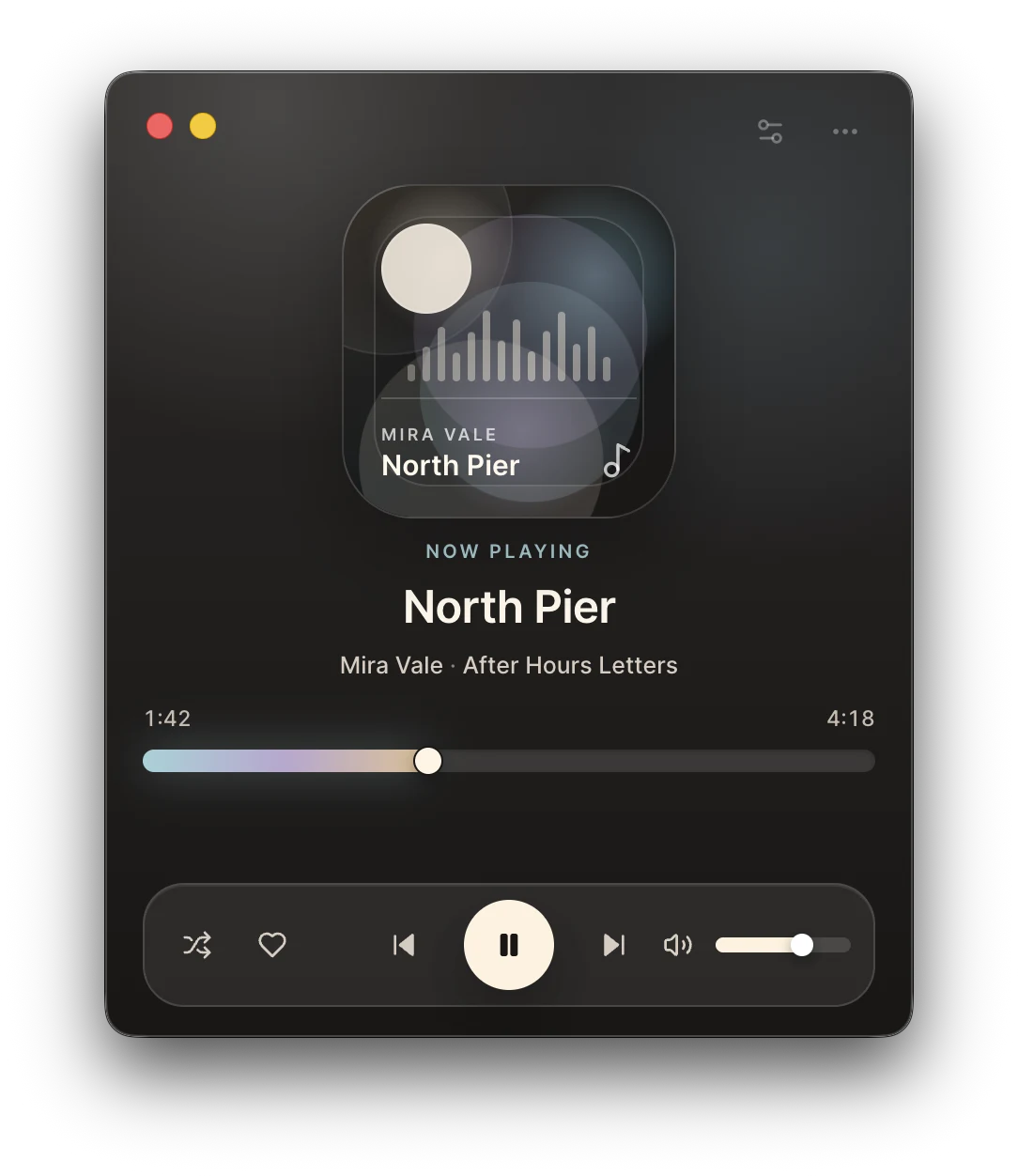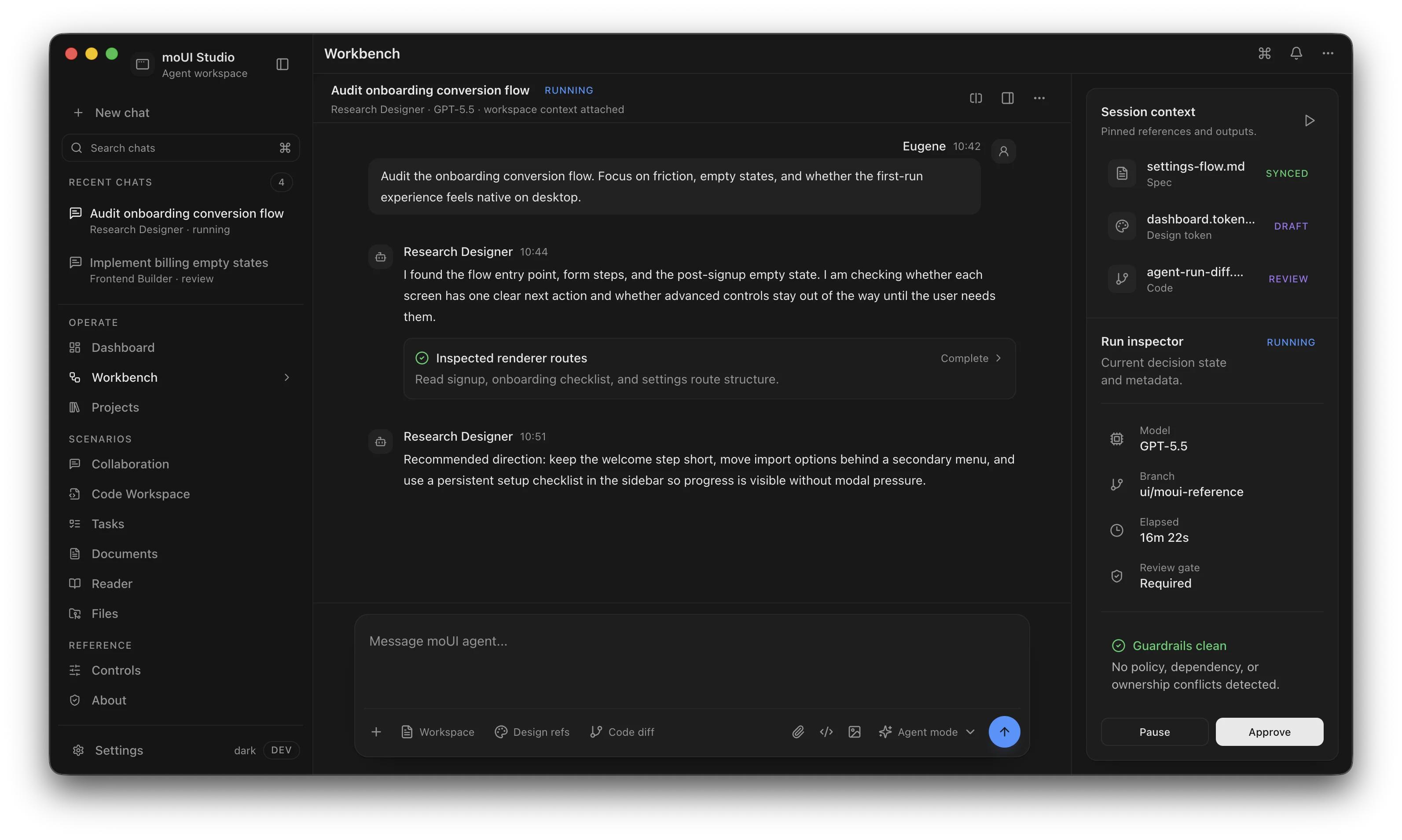

TypeScript-native

Write your application from a single codebase using TypeScript and run it natively on Windows, macOS, and Linux.

Source code protection

Your application source code and bundled resources are encrypted and protected from extraction, analysis, and tampering.

Enterprise support with SLAs

Get response within 4 business hours. Communicate directly with the engineers who build the framework through email, chat, video calls.

Consistent rendering

Your application is powered by a single modern web browser engine (Chromium), so it looks and behaves the same on all operating systems.

Node.js runtime

Use familiar Node.js APIs and leverage the full npm ecosystem to extend your desktop applications without restrictions.

Use C++ or Rust

Extend your app with a native C++ or Rust module to access platform APIs and maximize performance for compute-intensive tasks.

Why MōBrowser

FeatureMōBrowserElectronTauri
Project scaffolding tool

Yes. Official scaffolding via create-mobrowser-app.

Available via separate tooling (e.g. Electron Forge).

Yes. Official scaffolding via create-tauri-app.

Single codebase and language

Yes. TypeScript for both frontend and backend.

Yes. JavaScript for both frontend and backend.

No. JavaScript for frontend. Rust for backend.

Source code protection

Built-in encryption and protection of source code and resources for both frontend and backend.

No built-in source code and resources protection (ASAR is packaging, not protection).

No built-in encryption and protection of source code and resources for the frontend.

Enterprise support with SLAs

Yes. Response within 4 business hours.

No. Community support only.

No. Community support only.

Consistent rendering across different platforms

Yes. Chromium engine on all platforms.

Yes. Chromium engine on all platforms.

No. Different rendering on different platforms. Different web engines.

Node.js runtime

Full Node.js runtime support.

Full Node.js runtime support.

No built-in Node.js runtime.

Native APIs access

Native C++/Rust modules for platform API access and compute‑intensive tasks.

Native Node add-ons (C/C++).

Native extensions typically implemented via Rust/plugins.

How it works

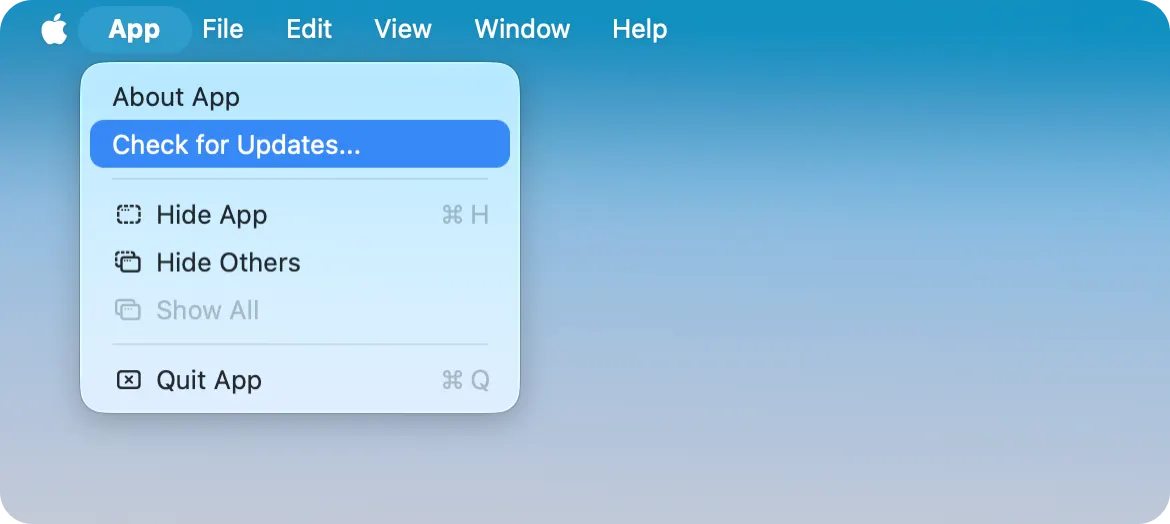
Generate a project

Provide the project name

The name of your desktop application will match the given project name. Change the application name anytime later.

Select a frontend framework

Use React, Vue, or plain HTML, CSS, and JavaScript/TypeScript for your application’s UI. Alternatively, you can simply load and display a website inside your cross-platform desktop app.

React Native
VueJS
HTML5
CSS3
TypeScript
JavaScript

Select a UI component library

Build modern, responsive, and beautiful application UI quickly with hundreds of ready-to-use components from your favorite UI component library: Shadcn, Ant Design, Material UI, Quasar.

Shadcn
Ant Design
Material-UI
Quasar

Develop, debug, and preview

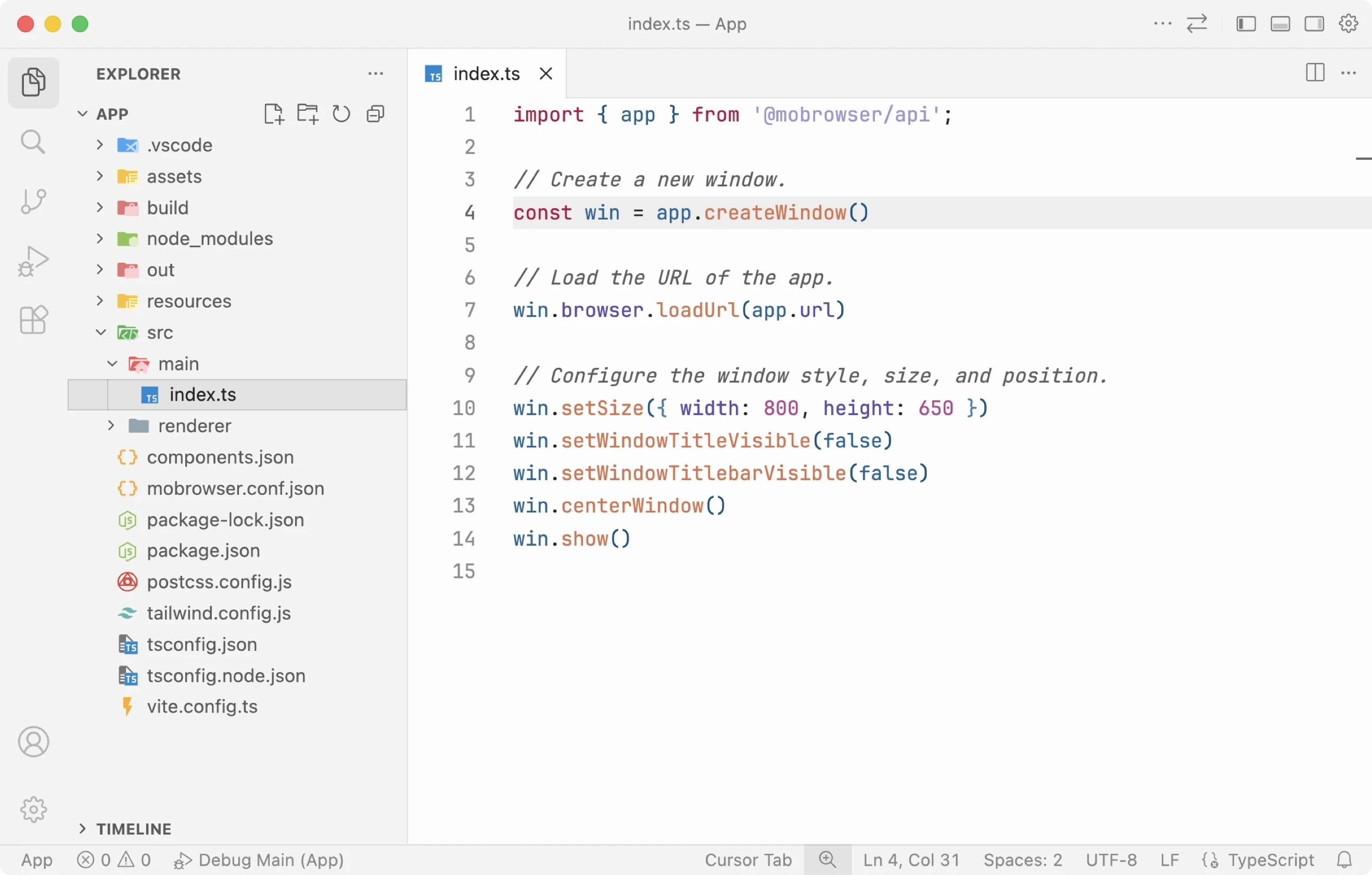
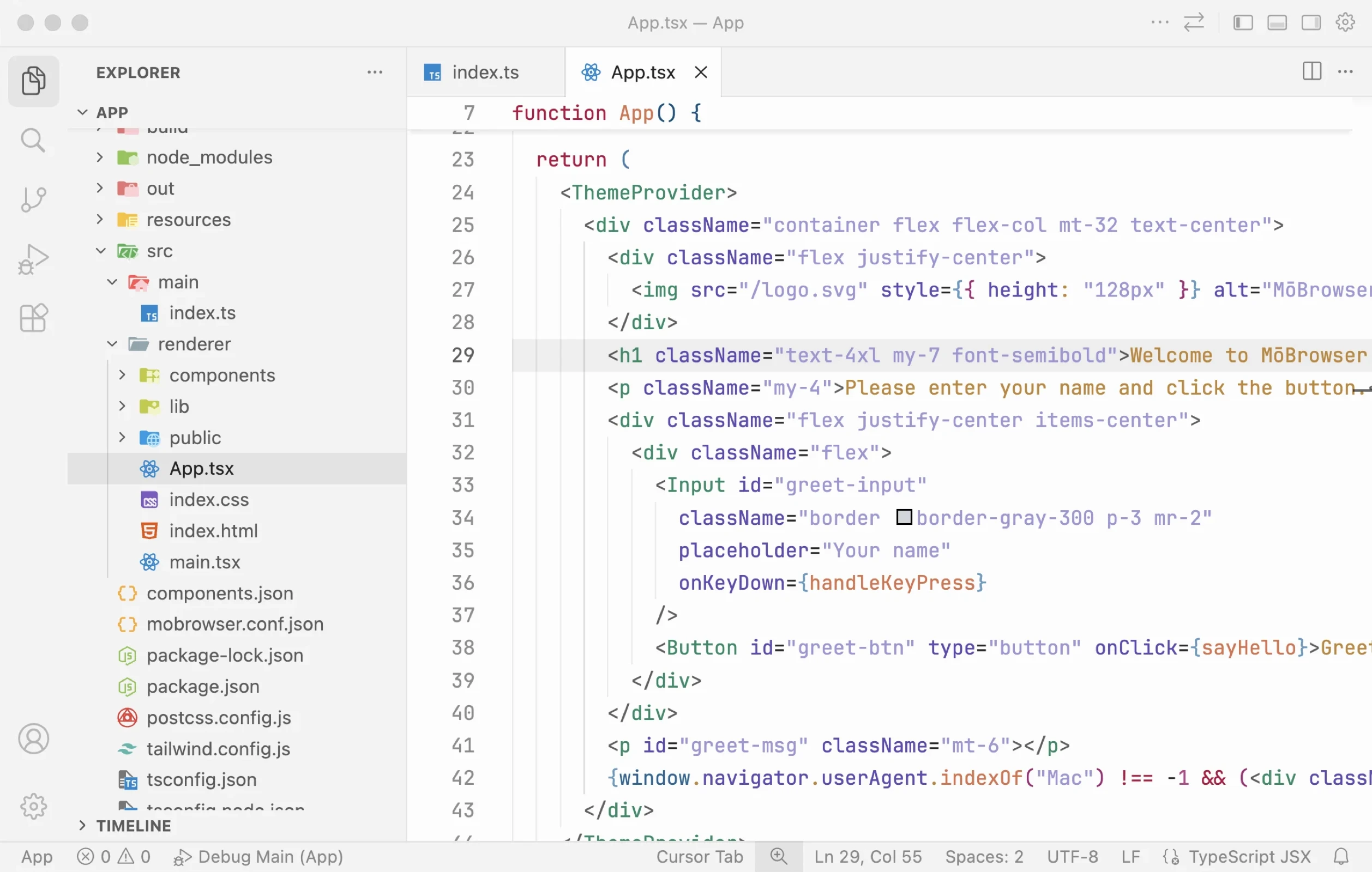
Open the project in VS Code

Open the project in VS Code

The generated project is compatible with VS Code, Cursor, Antigravity, Zed, and other modern VS Code-based IDEs, so you can open it and start development right away.

Visual Studio Code
Cursor
Antigravity
Zed
Build the application backend

Build the application backend

Implement application business logic with TypeScript. Create and customize application windows, display native dialogs, add tray icons, show desktop notifications, customize main menu, add context menu, register global shortcuts, etc.

import { BrowserWindow } from '@mobrowser/api';

const win = new BrowserWindow()
win.browser.loadUrl('https://example.com')
win.show()

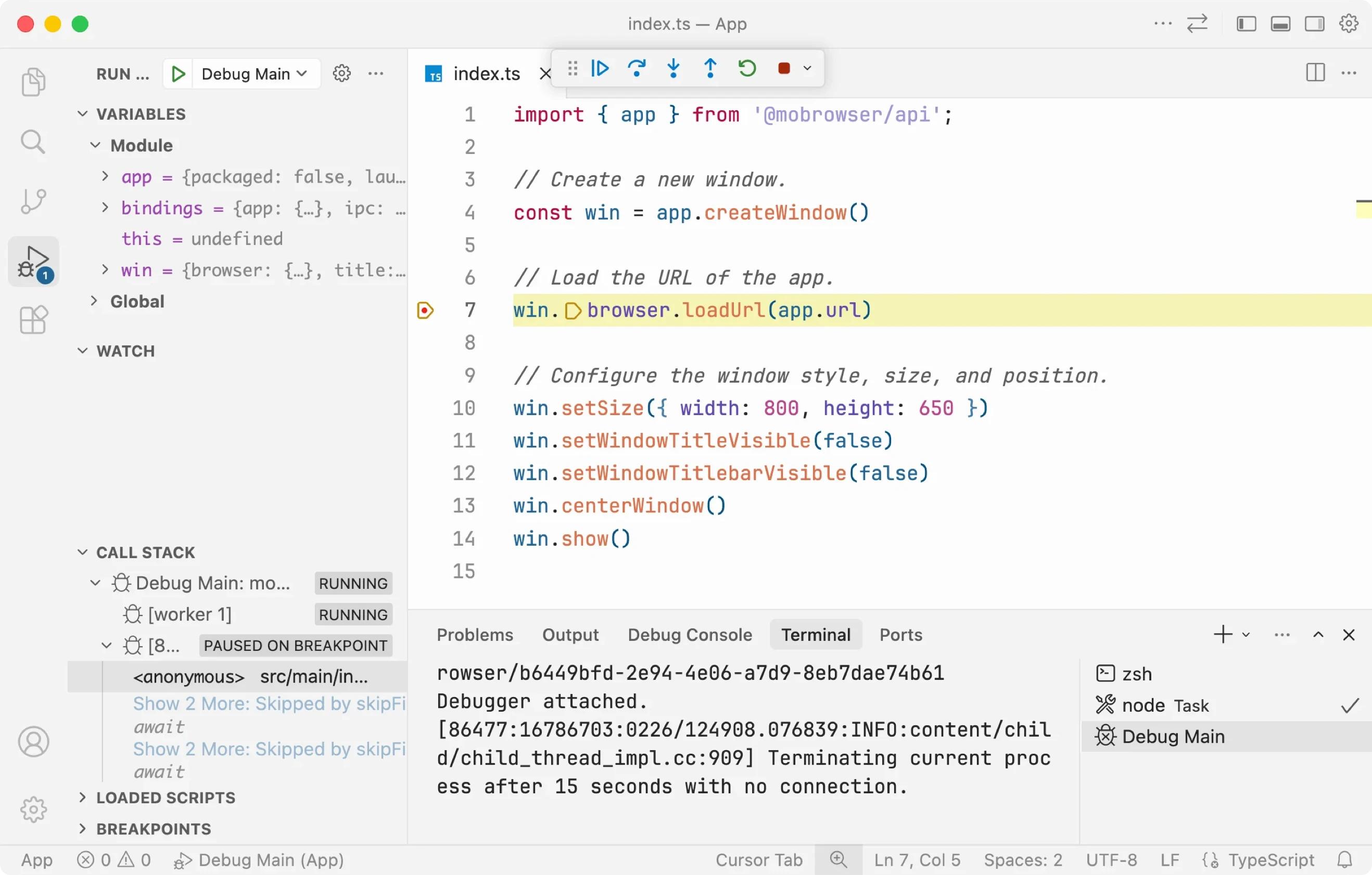
Use the built-in VS Code debugger to debug TypeScript code of your application.

JavaScript code
C++ code

Build the application frontend

Build modern, responsive, and beautiful application UI with a wide range of web developer tools, frameworks, ready-to-use UI components.

Debug JavaScript/TypeScript code and modify DOM/CSS with the built-in Chromium DevTools or directly in VS Code.

Run your application in development mode with enabled Hot Module Replacement (HMR), so you can edit the frontend and see the changes on the fly:

$ npm run dev
JavaScript code
C++ code

Connect frontend and backend

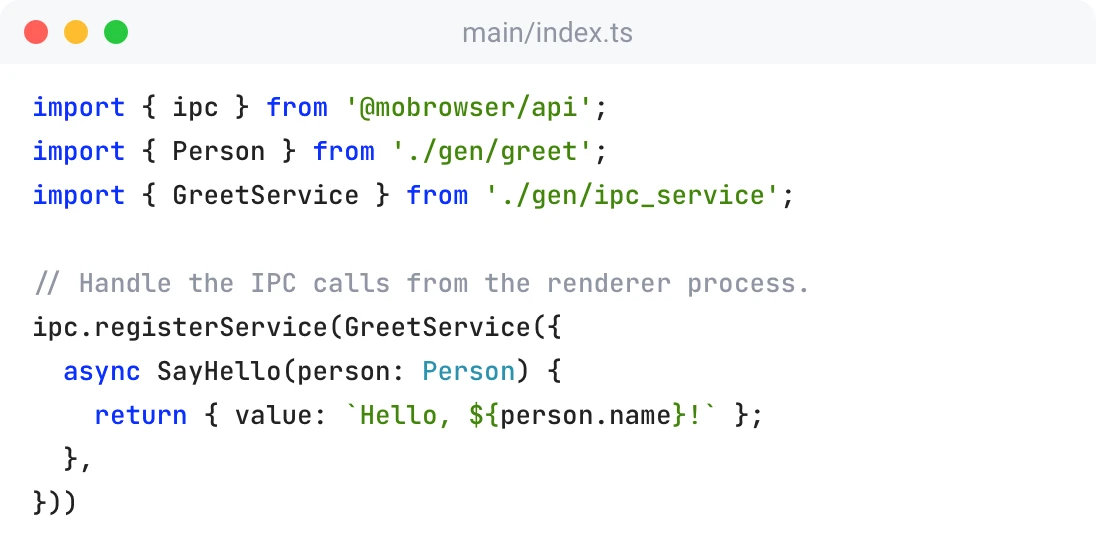
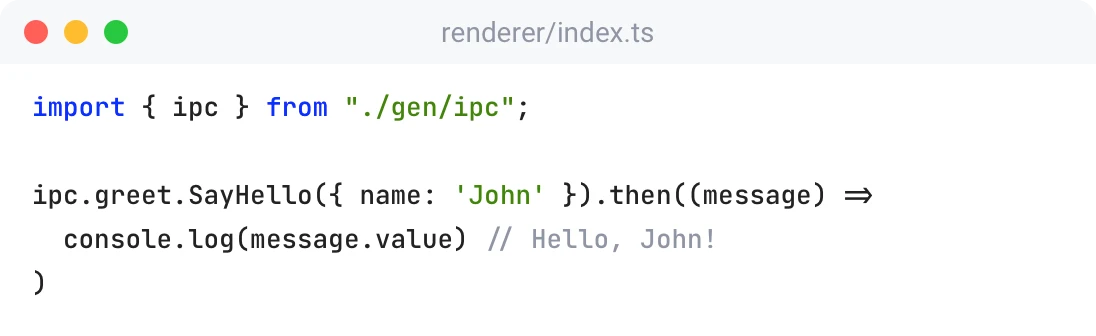
Make Inter-Process Communication (IPC) calls from the sandboxed frontend process to the privileged backend process using Protobuf messages and services.

  • Clear service contract
  • Automatic code generation
  • High-performance serialization and deserialization
  • Compile-time detection of API changes
  • Optimal memory usage

Package and distribute

Add branding to your app

Add branding to your app

Customize your application title, icon, description, copyright, version, etc. in the mobrowser.conf.json file.

{
  "app": {
    "name": "App",
    "copyright": "Copyright © 2026 Company Name"
  }
}
Sign & notarize your app

Sign & notarize your app

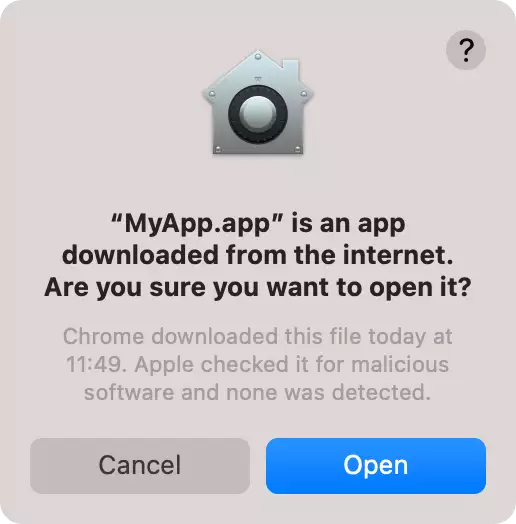
Make your app trustworthy for the end users by signing and notarizing it.

Provide your Apple Developer account credentials for macOS and the signtool command for Windows in the config file and your application will be automatically signed and notarized whenever you build it.

Build a native installer

Build a native installer

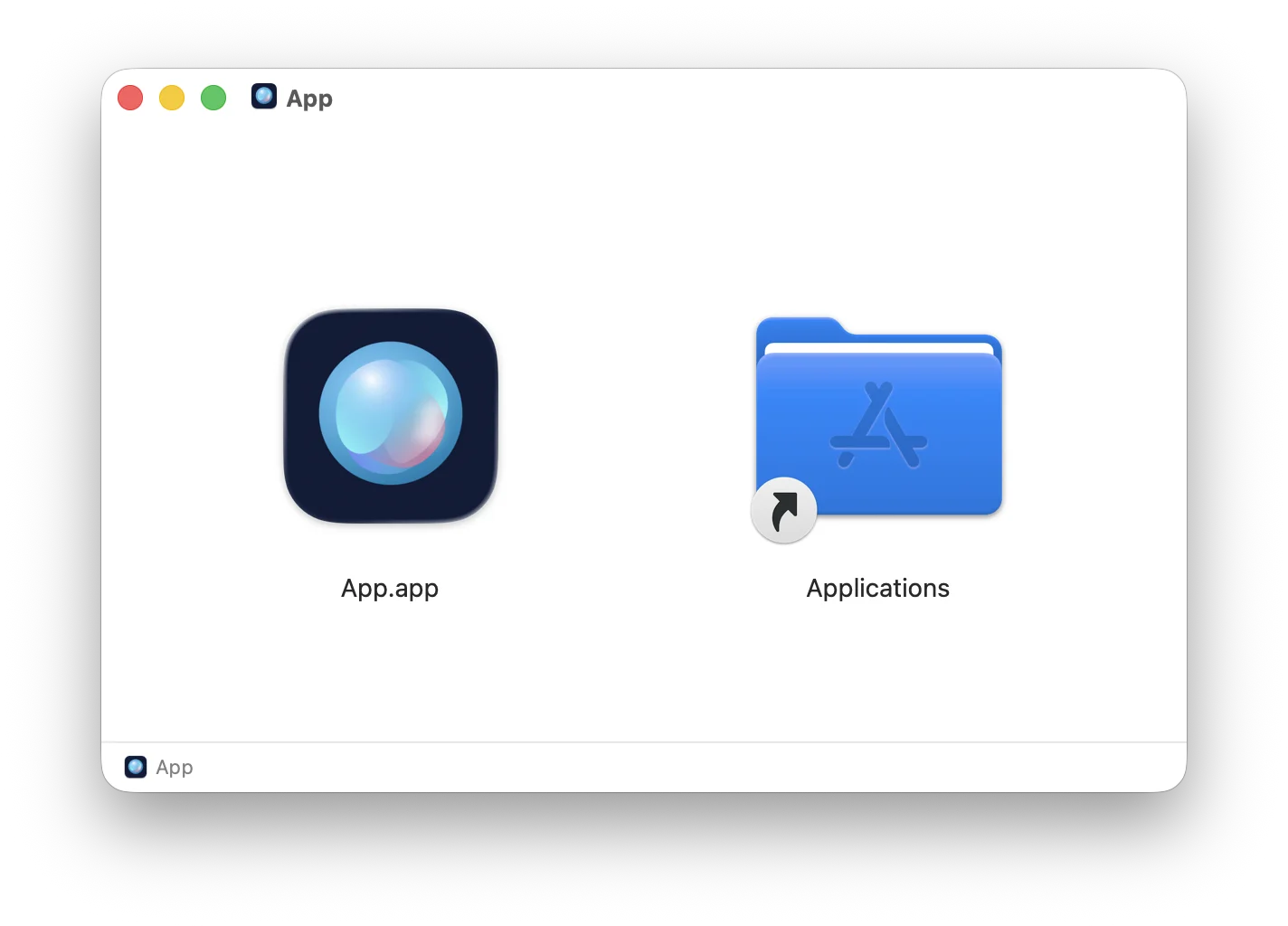
Build your application and package it into a native installer for the current platform with a single command:

$ npm run build

Ship your app as a native executable for the best user experience on all major platforms.

Windows x64
macOS Apple Silicon
Linux x64
Automatic application updates

Automatic application updates

Deliver new versions of your app to the end users using the built-in application auto-update mechanism with small delta updates.

Keep your application updates on your own update server or use a third-party service like Amazon S3 or Google Cloud Storage.

Features

An all-in-one solution for teams that want to build a desktop app using a familiar web stack and ship it to users in months, not years.

Native installers

Package your application into a native macOS or Windows installer and ship it to your end users.

Automatic updates

Use the built-in mechanism to check for updates, download the latest version, and install it.

Native C++/Rust Module

Access platform-specific native APIs and maximize performance for compute-intensive tasks.

Window customization

Customize your application window appearance, control its behavior, enter/exit full screen mode etc.

Native dialogs

Display the cross-platform native message, file system, or JavaScript dialogs.

Application menu

Customize the main application menu on macOS with both the standard and custom menu items.

Global shortcuts

Register global keyboard shortcuts that can be triggered even if the application window is not focused.

Tray

Display your application in system tray on macOS and notification area on Windows.

Context menu

Create a native context menu with both standard and custom menu items.

Desktop capabilities

Open URL in the default web browser, show a file/folder in the default file manager, and more.

Dark/light mode

Easily adapt to the end user’s system-wide theme preferences.

Downloads

Manage file downloads and get notifications about download progress.

Clipboard

Access the system clipboard to read and write data.

Popups

Display and control popup windows created by the web page.

Dock

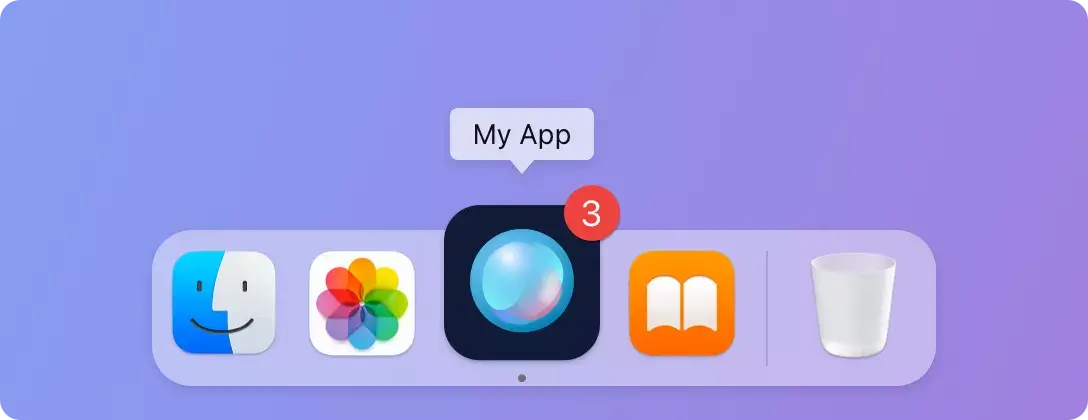
Show a badge with a custom text or hide the app icon in Dock on macOS.

Preferences

Store application preferences on the local file system.

Desktop Notifications

Show native desktop notifications on Windows, macOS, and Linux.

Native Images

Load images from files or raw pixel buffers and resize or crop them.

Background image Background image Background image

Enterprise support with SLAs

Your success in production is part of our responsibility.

Response within 4 business hours

Response within 4 business hours

Rely on our strict SLAs to minimize downtime and receive meaningful feedback to your requests.

Talk directly to developers

Talk directly to developers

The product engineers themselves handle all technical support requests. Get as technical as you need, discussing ways to make MōBrowser work for you.

Communicate securely

Communicate securely

With private support communication channels, all sensitive information about your project is safe and strictly confidential.

Get technical help or share your feedback with the MōBrowser team.

Discuss your requirements, learn about pricing, or request a demo.

Pricing

For the teams that move fast and think long-term.

Non-commercial use

Includes

  • Product updates

  • Full documentation access

  • Community support

Commercial use

Everything in Free, plus

  • 1 year of priority support

  • Service Level Agreements

  • 1 account in Help Center

  • Dedicated account manager

  • Hotfixes and security updates

  • Consulting and expert advice

The price is exclusive of any taxes.

Frequently asked questions

Comparison & Alternatives

Why should we choose MōBrowser over Electron or Tauri?

MōBrowser is designed for teams building commercial desktop applications, where reliability, security, and support matter.

With Electron or Tauri, your team is responsible for:

  • resolving framework-level issues;
  • relying on community support;

MōBrowser provides:

  • faster and more predictable updates;
  • technical support with SLAs;
  • private communication channels;
  • timely security updates.

If you’re shipping a product where downtime and risk have real cost, MōBrowser offers a more controlled and reliable foundation.

What problems does MōBrowser solve that open-source frameworks don’t?

MōBrowser focuses on the challenges that appear in production:
  • Security maintenance → managed Chromium updates and faster vulnerability fixes;
  • Operational risk → SLA-backed support instead of relying on community responses;
  • Intellectual property protection → stronger safeguards for distributed applications;
  • Maintenance overhead → less time spent on framework-level issues.

Instead of investing engineering effort into maintaining your stack, your team can focus on building product features.

Can we migrate an existing Electron app to MōBrowser?

Yes, in most cases. But it’s not a drop-in replacement.

  • Frontend code (React, Vue, etc.) is typically reusable;
  • Backend logic and IPC will need adaptation to MōBrowser’s architecture;
  • Node.js native modules you use in Electron will work in MōBrowser.

For mature Electron apps, migration is a strategic decision. Teams usually consider it when they want:

  • stronger security and intellectual property protection;
  • more predictable updates;
  • reduced long-term maintenance effort.

What frontend frameworks are supported?

MōBrowser works with any modern web frontend framework, including React, Vue, Angular, and Svelte.

Since MōBrowser is based on Chromium, it supports all the features and Web APIs that Google Chrome supports.

You’re not locked into a specific stack. You can use the tools your team already knows.

Can I integrate native code (C++/Rust)?

Yes. MōBrowser allows integration with native C++/Rust modules when you need:

  • high-performance components;
  • access to OS-level APIs;
  • integration with existing native libraries.

Pricing & Licensing

What is the difference between non-commercial and commercial use?

Non-commercial use applies to projects that are not used for business purposes, such as:

  • personal or hobby projects;
  • educational use;
  • open-source projects;
  • internal prototypes or experiments with no business value.

Commercial use applies when MōBrowser is used in any context that is part of a business activity or provides economic benefit.

This includes:

  • software that is sold, licensed, or distributed to customers;
  • internal tools used by employees as part of their job;
  • applications developed for clients or as part of paid services;
  • any use within a company or organization that contributes to its operations.

In short, if MōBrowser is used in a business context or as part of revenue-generating or operational activity, a commercial license is required.

If you’re unsure, it’s safest to assume your use is commercial or contact us for clarification.

Why does MōBrowser cost €8,499/year?

MōBrowser is priced as a maintained platform, not just a framework.

The cost covers:

  • ongoing Chromium updates and security fixes;
  • SLA-backed support from engineers;
  • dedicated account manager;
  • private communication channels;
  • faster resolution of production issues.

For teams shipping commercial software, avoiding just one serious delay, bug, or security issue often offsets the annual cost.

Do we need a commercial license per developer, per app, or per company?

The license is issued to your organization, and the final pricing is determined by different factors such as:

  • number of applications or projects;
  • number of people interacting with support;
  • custom support requirements and legal terms.

This approach gives you flexibility to use MōBrowser across your team and products, while ensuring the license reflects your actual usage and support needs.

For exact terms and pricing, contact Sales. They’ll help define a model that fits your organization.

What does the commercial license include (support, SLAs, hotfixes)?

The license includes everything needed for production use:

  • access to MōBrowser and all updates;
  • security patches and bug fixes;
  • enterprise support with defined SLAs;
  • assistance from engineers when issues arise.

The goal is simple: your team should never be blocked by the framework.

What happens if we stop paying? Will our app continue to work?

All the apps you have developed with MōBrowser will continue to work.

How does MōBrowser reduce total cost of ownership (TCO)?

MōBrowser reduces the hidden costs of maintaining a desktop stack:

  • less time spent on Chromium updates and security issues;
  • fewer production incidents caused by framework-level bugs;
  • faster resolution when problems occur;
  • reduced need for specialized in-house expertise.

Instead of maintaining infrastructure, your team can focus on delivering product value.

Support & SLA

What does “enterprise support” actually include?

Enterprise support means you’re covered when it matters most.

  • help with real production issues;
  • guidance on architecture and best practices;
  • assistance during critical incidents;
  • ongoing access to product expertise.

Your team isn’t left figuring out platform problems on its own.

Who provides support?

You work directly with engineers who know MōBrowser.

  • no generic first-line support;
  • no long escalation chains;
  • faster, more precise answers.

When something breaks, you’re talking to people who can actually fix it.

What are guaranteed response times?

  • We respond within 4 business hours.
  • Business hours are Monday—Friday, 11:00 AM—7:00 PM (your time).
  • Communication channels are email, chat, video calls, and screen sharing.

Can we request features or custom fixes?

Yes. You can request features, suggest improvements, and discuss custom solutions with our engineers.

Do you offer onboarding or consulting?

Yes. We can help with setup and architecture, provide guidance on best practices, and support for complex use cases.

This helps your team get productive faster and avoid costly mistakes.

Security & Compliance

How does MōBrowser protect our source code and intellectual property?

MōBrowser is designed to make reverse engineering significantly harder than standard packaging approaches.

This is especially important for:

  • commercial desktop applications;
  • proprietary business logic;
  • licensed software distributed to customers.

While no client-side solution is fully unbreakable, MōBrowser helps reduce the risk of intellectual property leakage and protect your revenue.

How often is Chromium updated?

MōBrowser tracks Chromium closely and delivers regular updates aligned with Chromium releases.

This ensures your application stays:

  • up to date with modern web standards;
  • compatible with evolving web APIs;
  • aligned with the Chromium ecosystem.

How quickly are security vulnerabilities patched?

Critical vulnerabilities are prioritized and addressed as quickly as possible.

You benefit from:

  • reduced exposure window;
  • faster access to fixes;
  • less pressure on your team to react immediately.

This is especially important for teams operating in security-sensitive environments.

What happens if a critical bug is found in production?

You’re not on your own.

  • issues can be escalated through support;
  • critical problems are prioritized;
  • fixes are delivered as quickly as possible.

This reduces downtime and helps your team respond to incidents with confidence.

Does MōBrowser help with compliance (e.g., CRA, enterprise security)?

Yes. MōBrowser supports compliance efforts by providing:

  • timely security updates;
  • a controlled and maintained platform;
  • enterprise support with defined response processes.

While compliance depends on your full application and processes, MōBrowser helps you meet security and reliability requirements more easily.