Touch ID
How to let end users register and sign in with Touch ID passkeys on macOS.
Overview
MōBrowser supports the macOS built-in Touch ID platform authenticator for
WebAuthn passkeys. Once enabled, websites
loaded in your application can call navigator.credentials.create() and
navigator.credentials.get() to register and use passkeys backed by the
device’s Secure Enclave. The end user confirms each operation with the native
macOS Touch ID prompt — no additional UI to build on your side.
How it works
To use the Touch ID platform authenticator, Chromium requires the application
to be signed with the keychain-access-groups entitlement and to carry a
matching Apple provisioning profile embedded in the bundle. You add the
entitlement to your entitlements.plist; the MōBrowser CLI embeds the
provisioning profile you configure.
Enabling Touch ID
Create a provisioning profile
On the Apple Developer portal:
- Register an App ID matching your
bundleID(for example,com.company.App). - Create a Developer ID provisioning profile associated with that App ID and download it.
- Add the profile to your project, for example at
assets/embedded.provisionprofile.
Declare the entitlement
Add the keychain-access-groups entitlement to your entitlements.plist, declaring
the <TeamID>.<BundleID>.webauthn group.
Substitute your own Team ID and bundle ID:
<key>keychain-access-groups</key>
<array>
  <string>YOUR_TEAM_ID.com.company.App.webauthn</string>
</array>
Reference the provisioning profile
Point provisioningProfile at the profile you added, alongside your existing
macOS signing settings in mobrowser.conf.json:
{
  "app": {
    "bundle": {
      "macOS": {
        "bundleID": "com.company.App",
        "teamID": "YOUR_TEAM_ID",
        "codesignIdentity": "Developer ID Application: ...",
        "codesignEntitlements": "assets/entitlements.plist",
        "provisioningProfile": "assets/embedded.provisionprofile"
      }
    }
  }
}
| Property | Description |
|---|---|
provisioningProfile | Path to the Apple-issued provisioning profile for <TeamID>.<BundleID>. Copied into the bundle as Contents/embedded.provisionprofile before signing. |
Sign your application
Touch ID builds on top of code signing. Once you run npm run build, MōBrowser
signs your application. Check out the Signing App
guide — that is where bundleID, teamID, codesignIdentity, and
codesignEntitlements are configured.
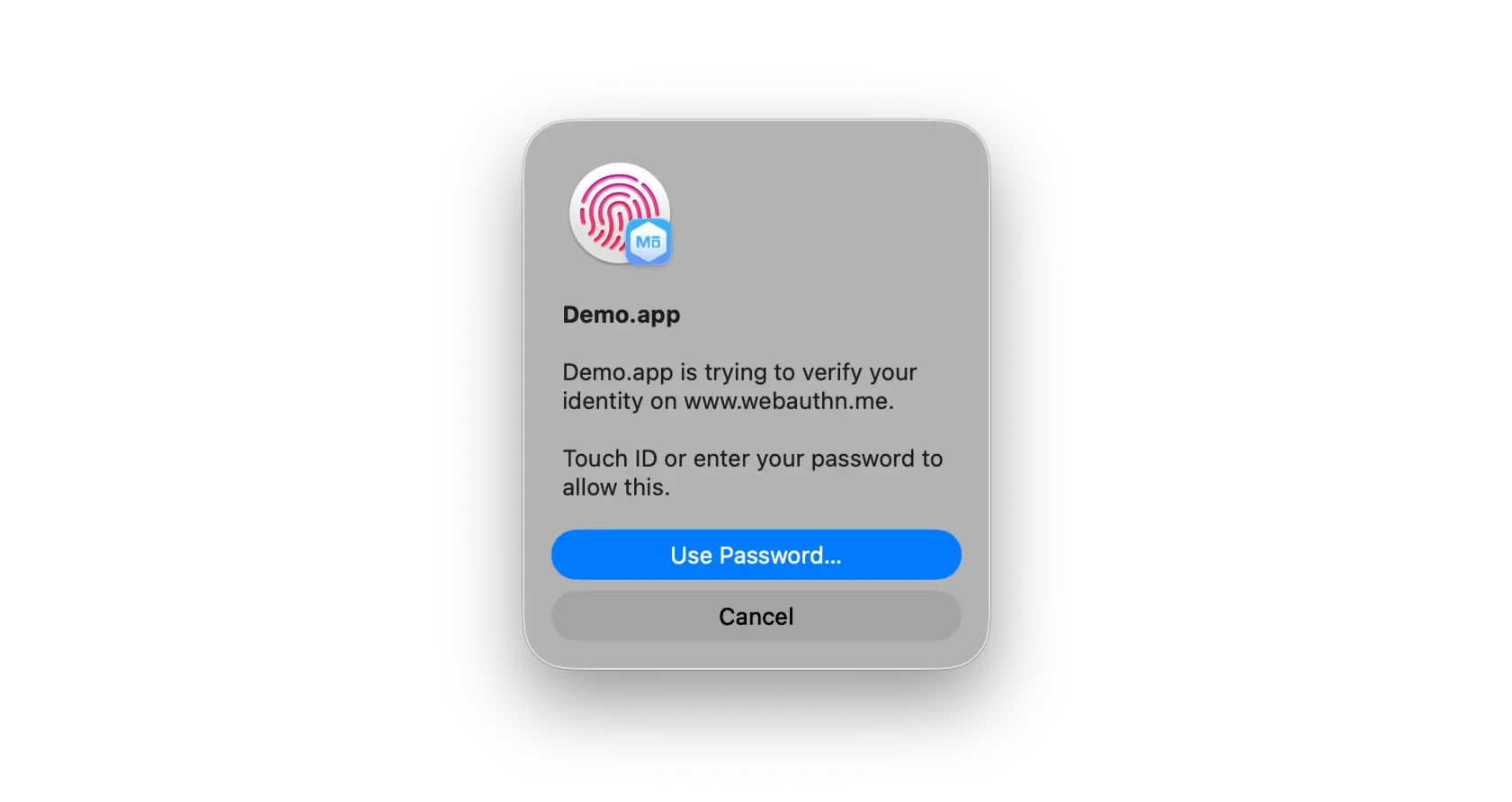
After that, when an end user visits a site that uses passkeys, they are prompted with the native Touch ID dialog to create or use a credential.
Provisioning profiles expire. Renew the profile and re-sign the application before its profile lapses, otherwise Touch ID stops working.