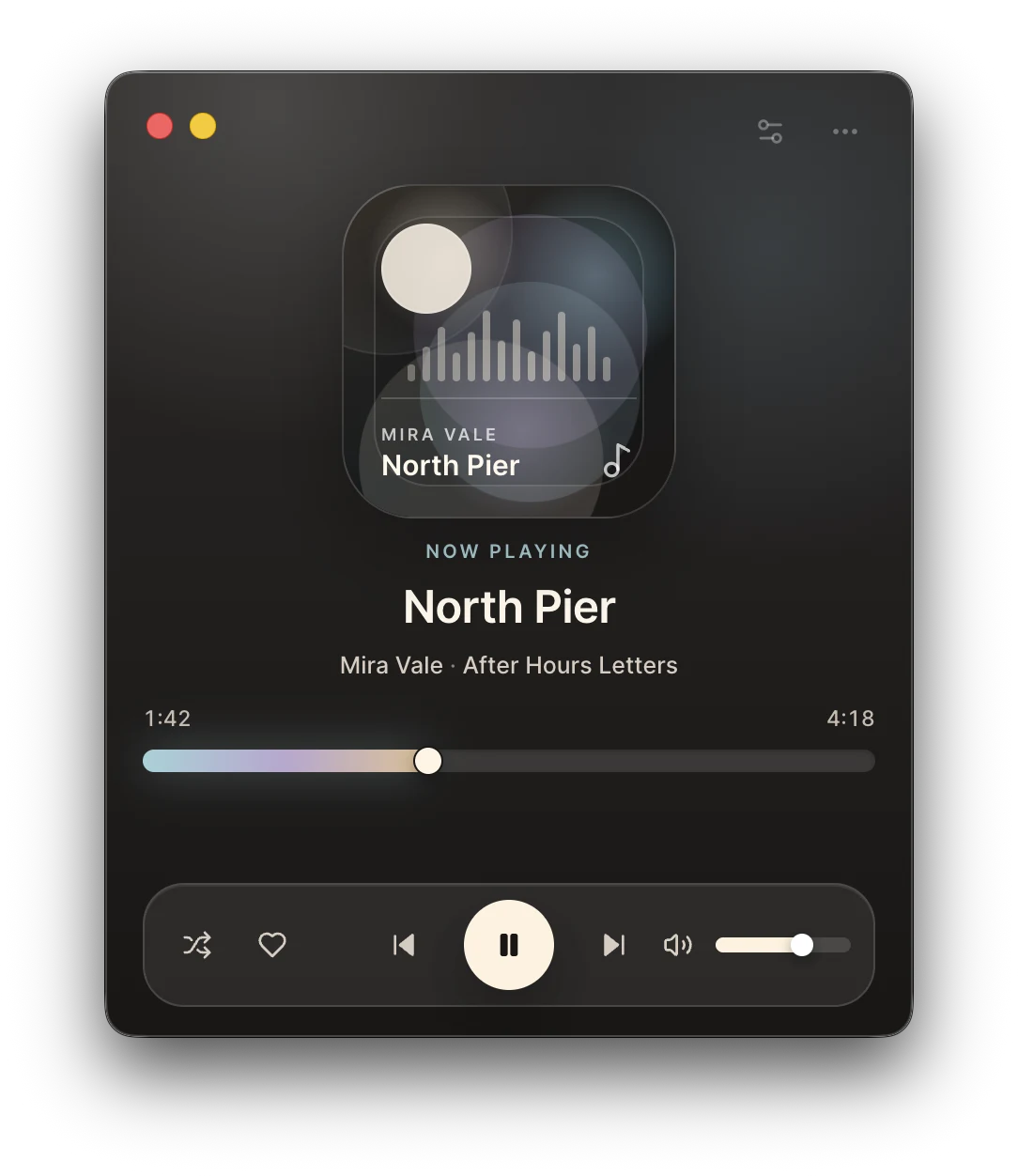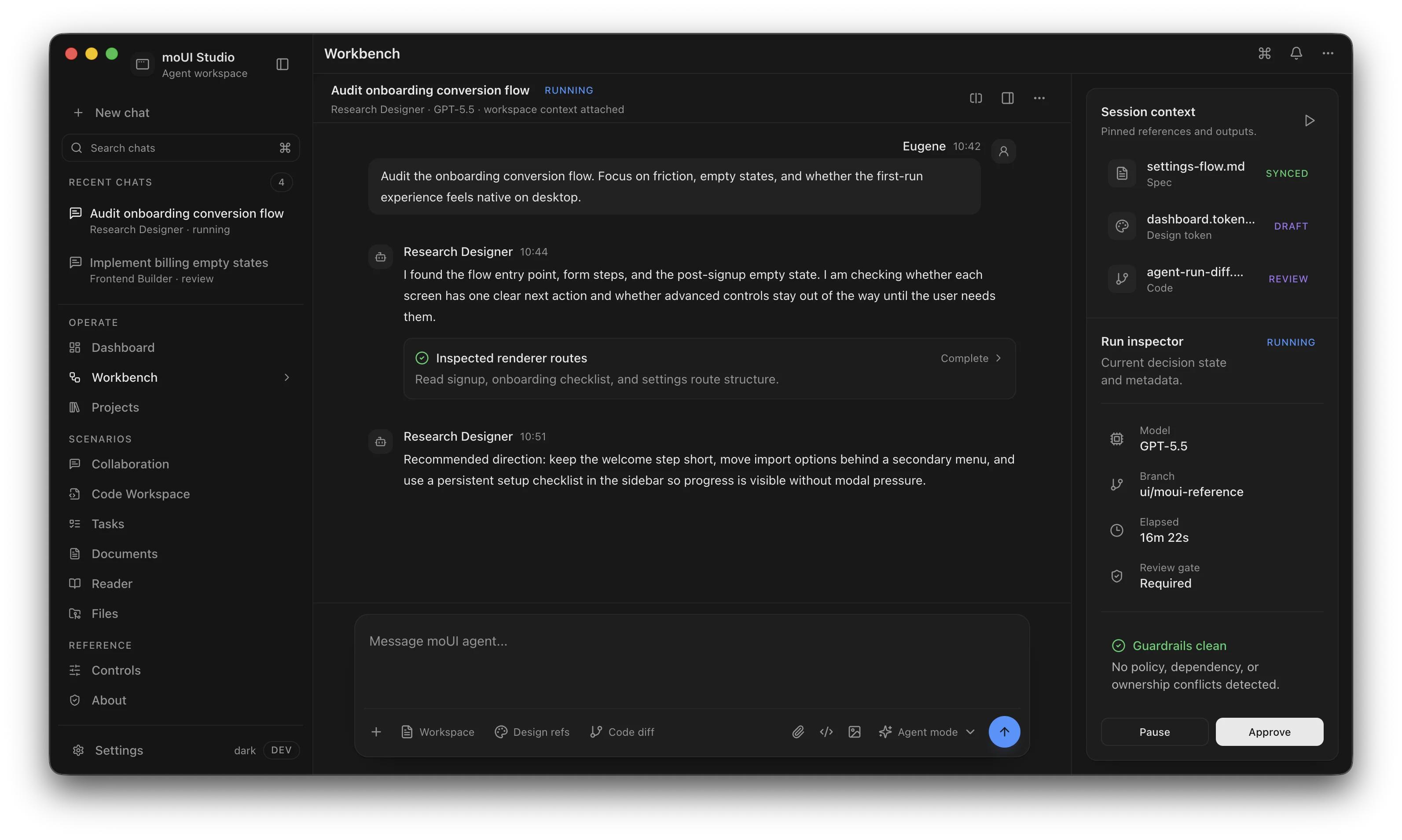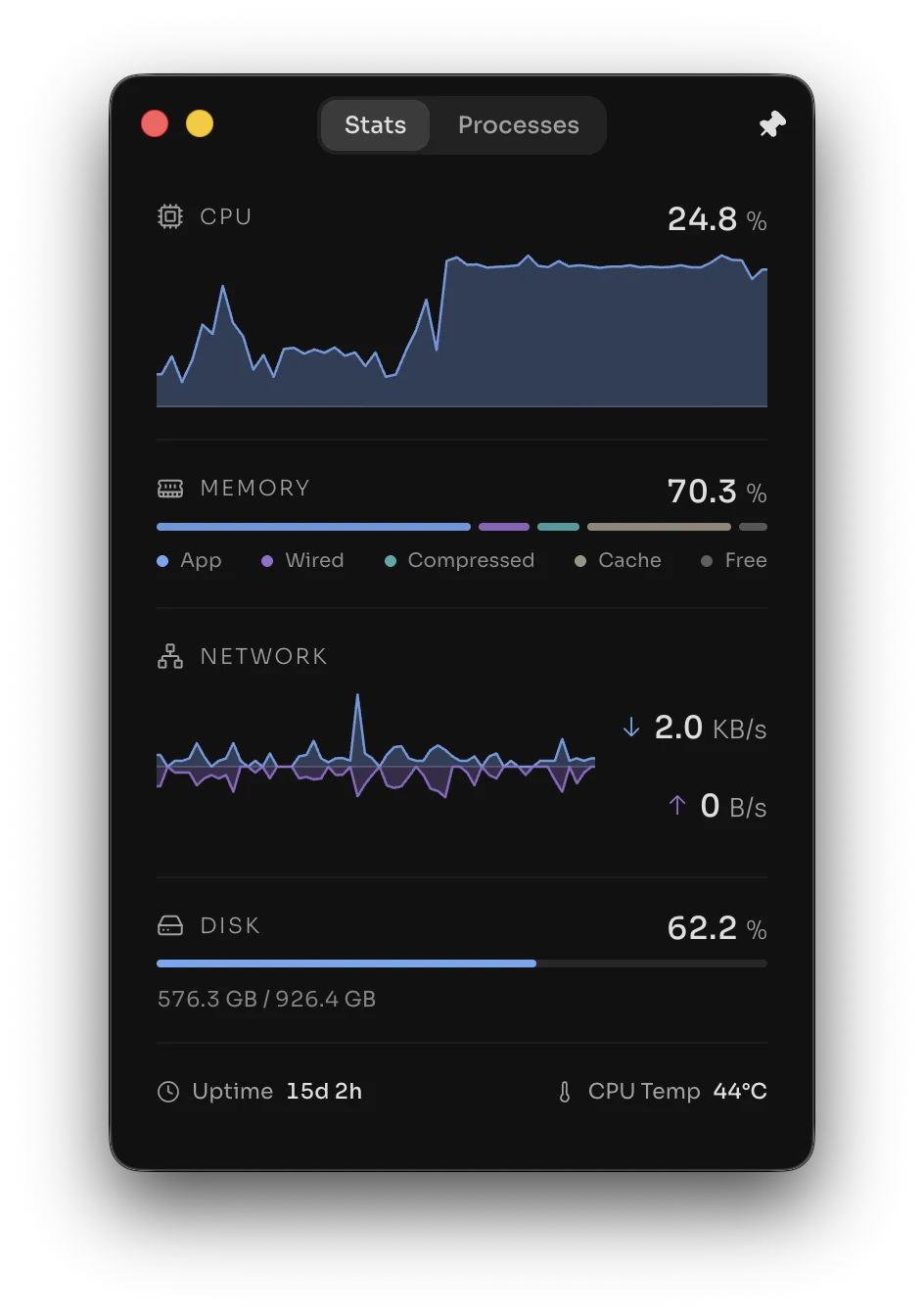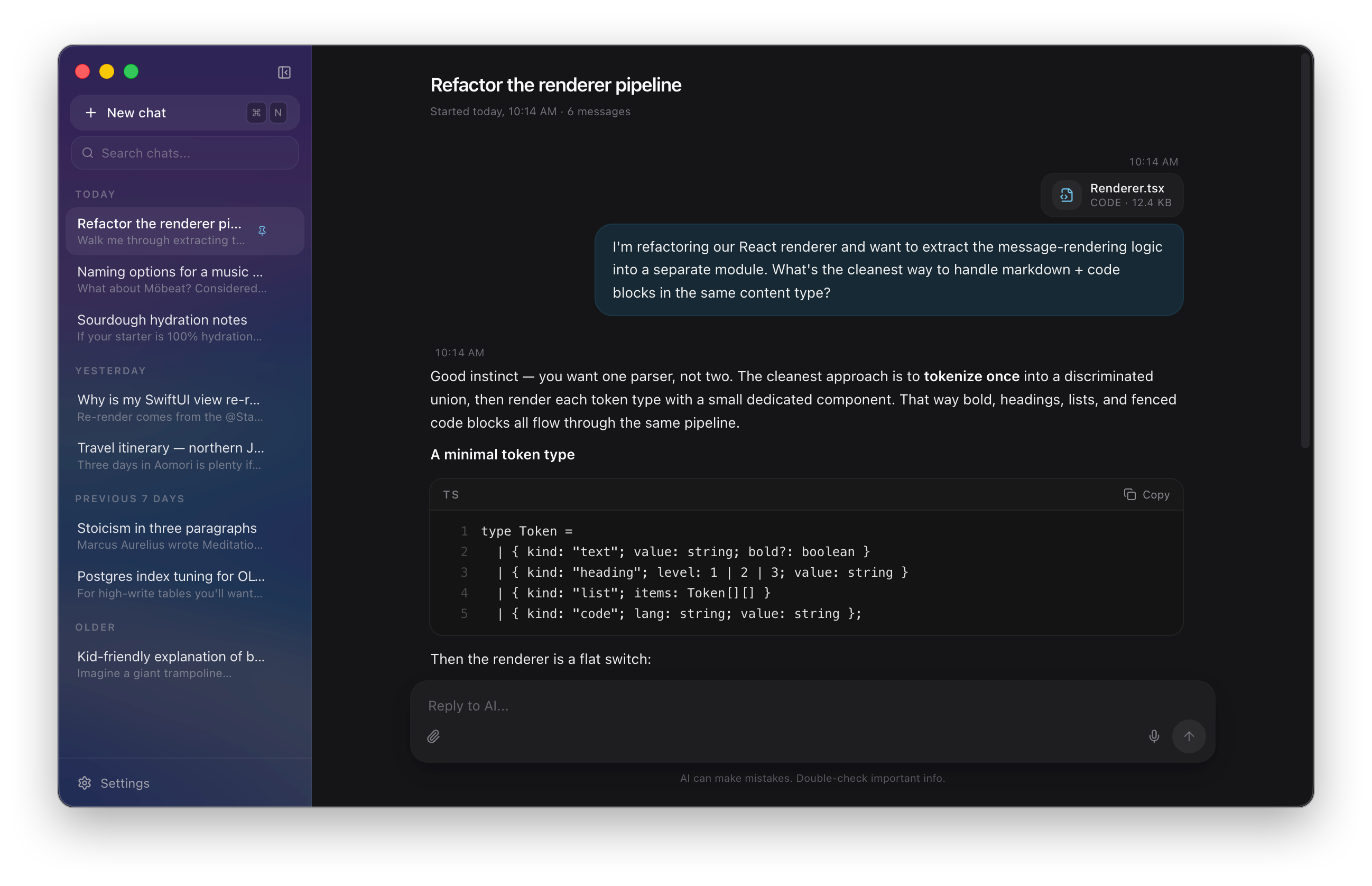

TypeScript-native

Write your application from a single codebase using TypeScript and run it natively on Windows, macOS, and Linux.

Source code protection

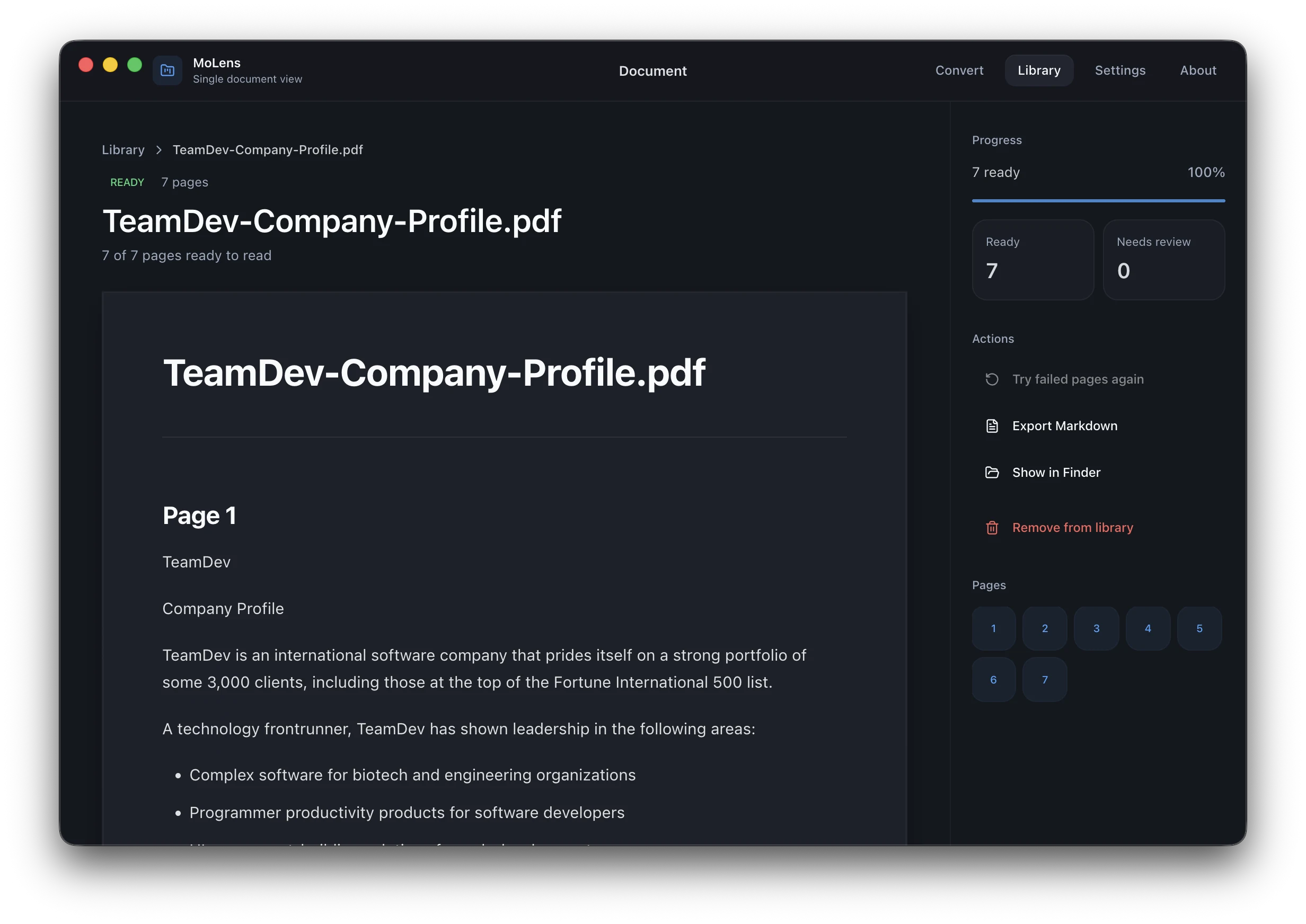
Your application source code and bundled resources are encrypted and protected from extraction, analysis, and tampering.
Enterprise support with SLAs
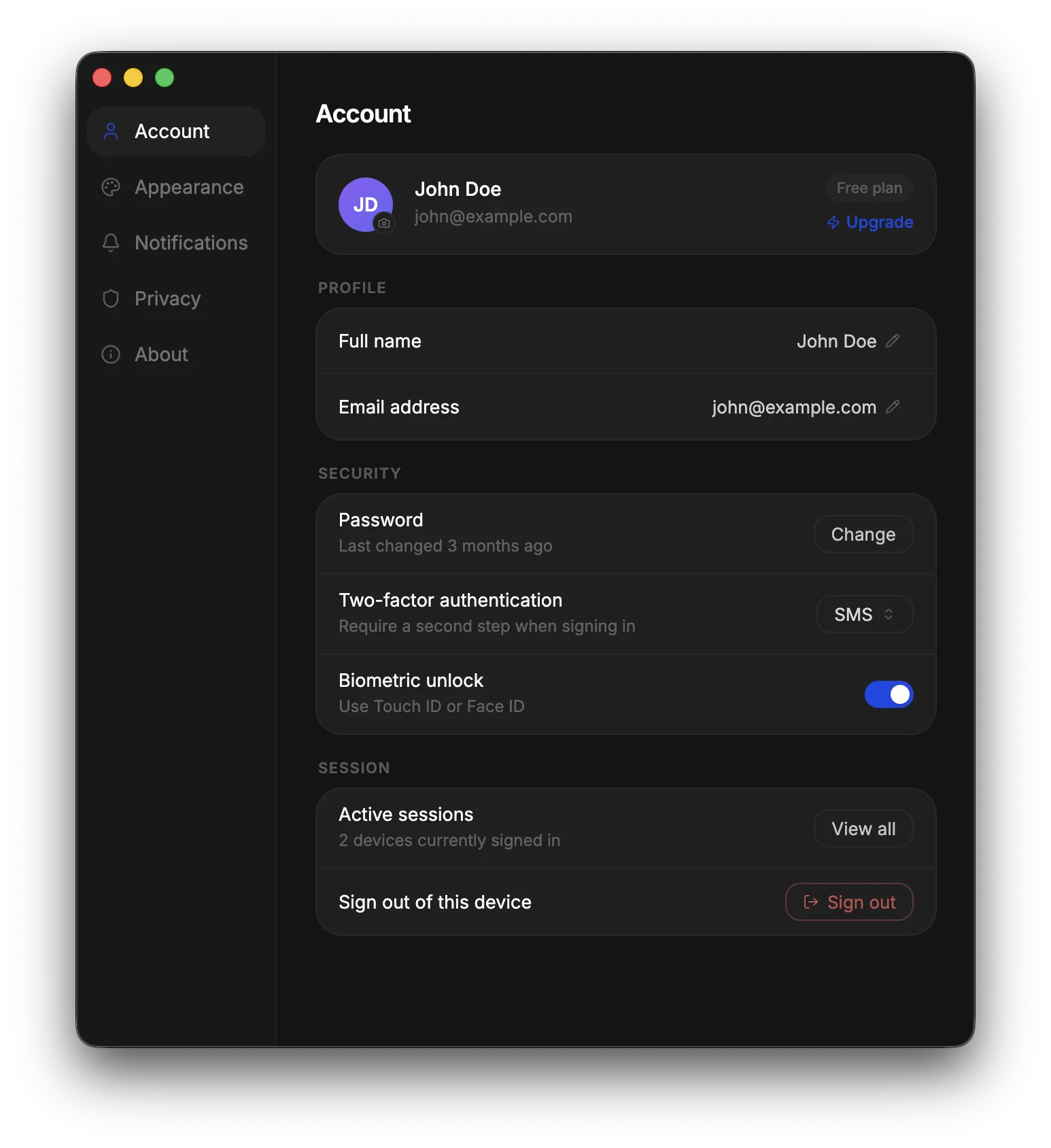
Get response within 4 business hours. Communicate directly with the engineers who build the framework through email, chat, video calls.

Consistent rendering

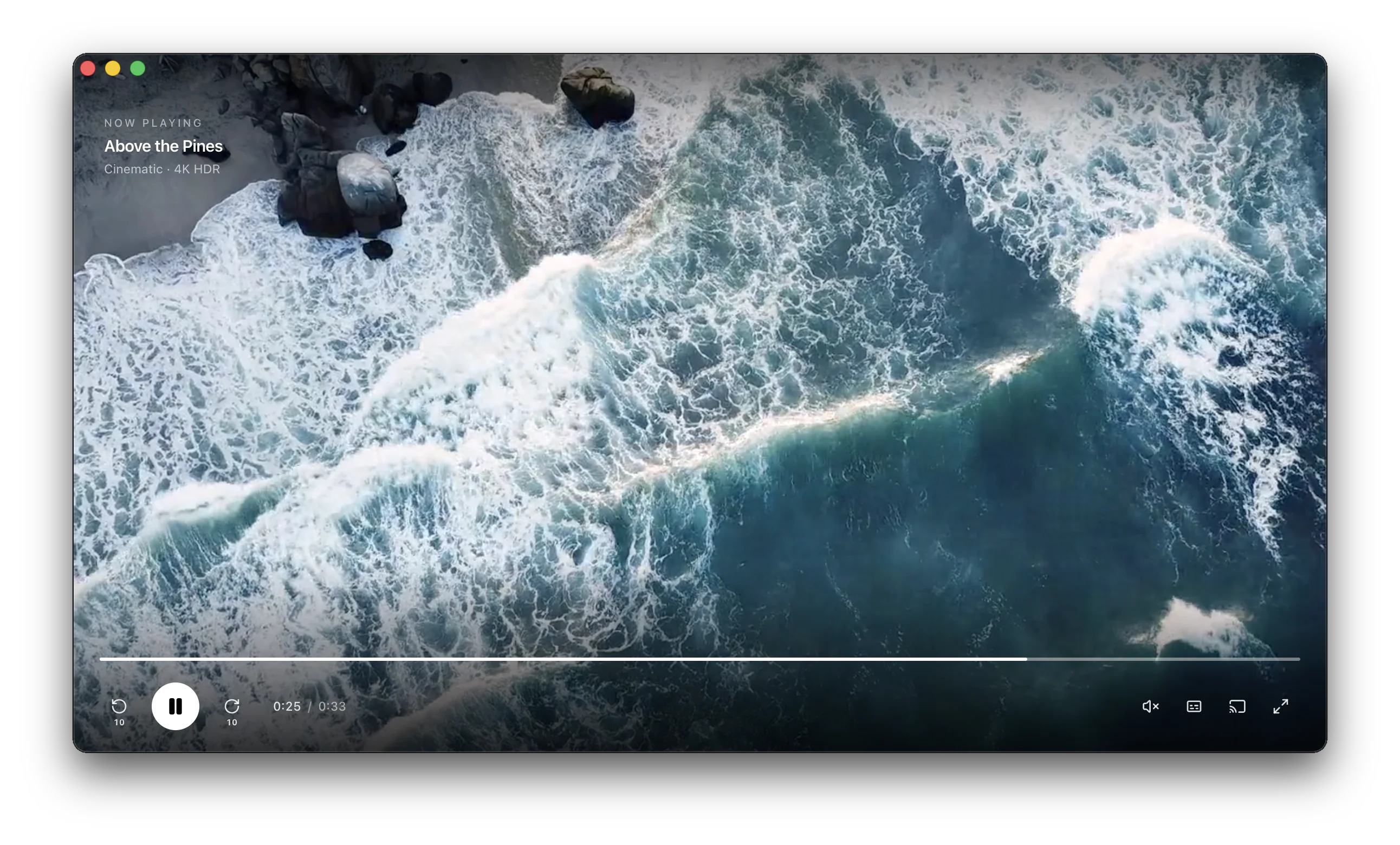
Your application is powered by a single modern web browser engine (Chromium), so it looks and behaves the same on all operating systems.

Node.js runtime

Use familiar Node.js APIs and leverage the full npm ecosystem to extend your desktop applications without restrictions.

Use C++ or Rust

Extend your app with a native C++ or Rust module to access platform APIs and maximize performance for compute-intensive tasks.

Why MōBrowser

FeatureMōBrowserElectronTauri
Project scaffolding tool

Yes. Official scaffolding via create-mobrowser-app.

Available via separate tooling (e.g. Electron Forge).

Yes. Official scaffolding via create-tauri-app.

Single codebase and language

Yes. TypeScript for both frontend and backend.

Yes. JavaScript for both frontend and backend.

No. JavaScript for frontend. Rust for backend.

Source code protection

Built-in encryption and protection of source code and resources for both frontend and backend.

No built-in source code and resources protection (ASAR is packaging, not protection).

No built-in encryption and protection of source code and resources for the frontend.

Enterprise support with SLAs

Yes. Response within 4 business hours.

No. Community support only.

No. Community support only.

Consistent rendering across different platforms

Yes. Chromium engine on all platforms.

Yes. Chromium engine on all platforms.

No. Different rendering on different platforms. Different web engines.

Node.js runtime

Full Node.js runtime support.

Full Node.js runtime support.

No built-in Node.js runtime.

Native APIs access

Native C++/Rust modules for platform API access and compute‑intensive tasks.

Native Node add-ons (C/C++).

Native extensions typically implemented via Rust/plugins.

How it works

Generate a project

Provide the project name

The name of your desktop application will match the given project name. Change the application name anytime later.

Select a frontend framework

Use any modern frontend framework or plain HTML, CSS, and JavaScript for your application’s UI. Alternatively, you can simply load and display a website inside your cross-platform desktop application.

React Native
VueJS
HTML5
CSS3
TypeScript
JavaScript

Select a UI component library

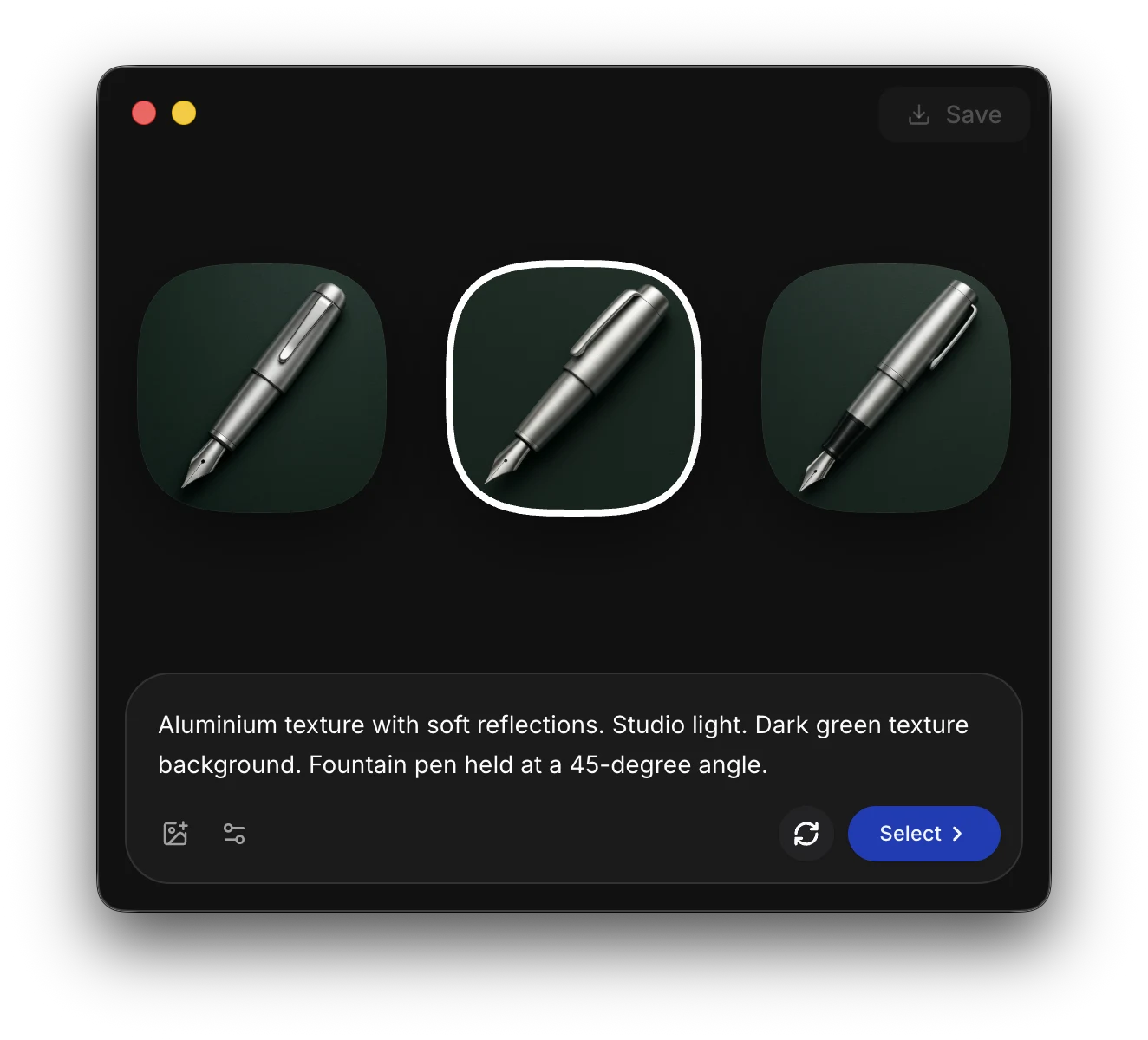
Build modern, responsive, and beautiful application UI quickly with the ready-to-use components of your favorite UI library.

Shadcn
Ant Design
Material-UI
Quasar
Vanilla

Develop, debug, and preview

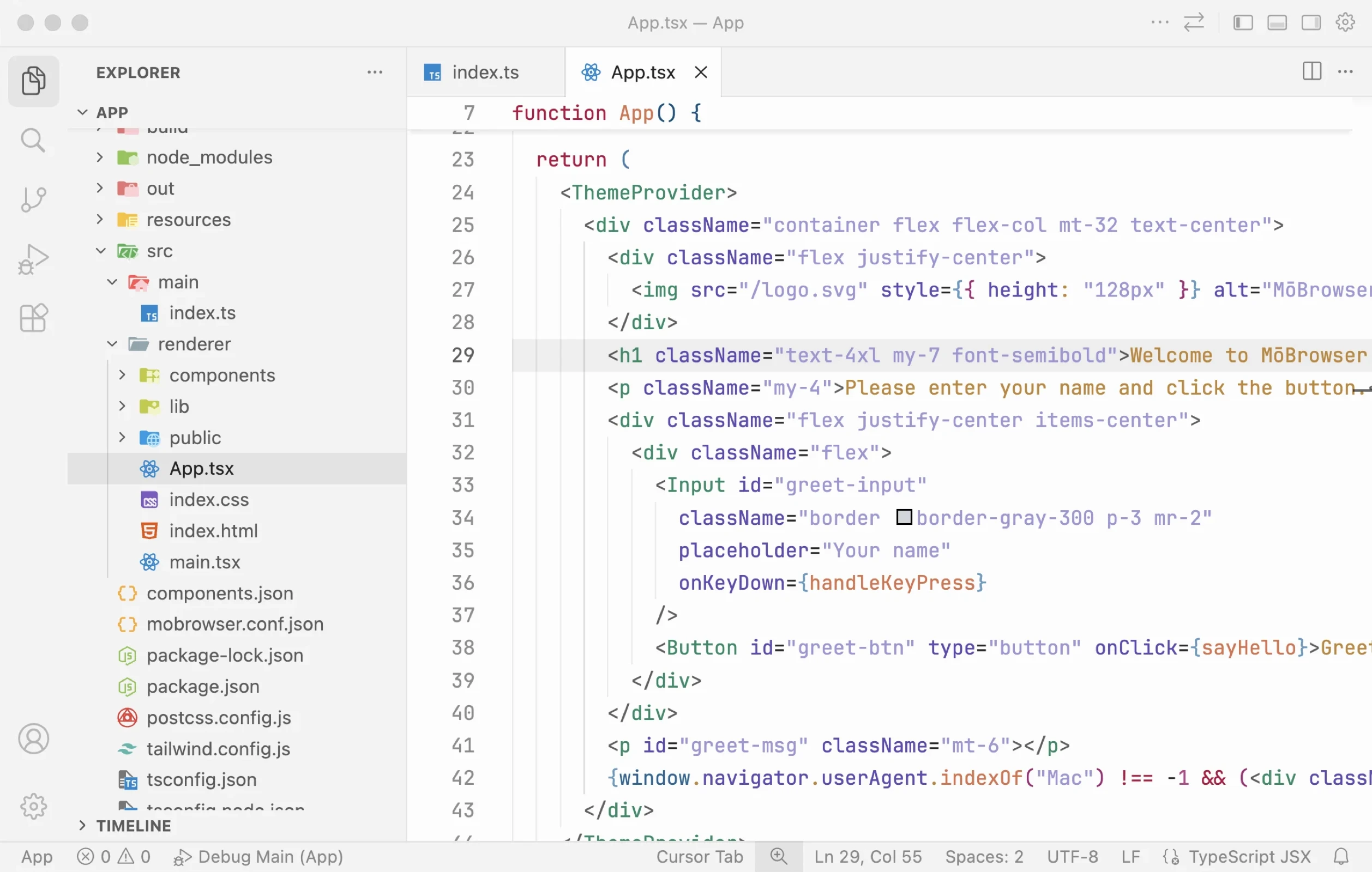
Open the project in VS Code

Open the project in VS Code

The generated project is compatible with VS Code, Cursor, Antigravity, Zed, and other modern web-stack-friendly IDEs, so you can open it and start development right away.

Visual Studio Code
Cursor
Antigravity
Zed
Build the application backend

Build the application backend

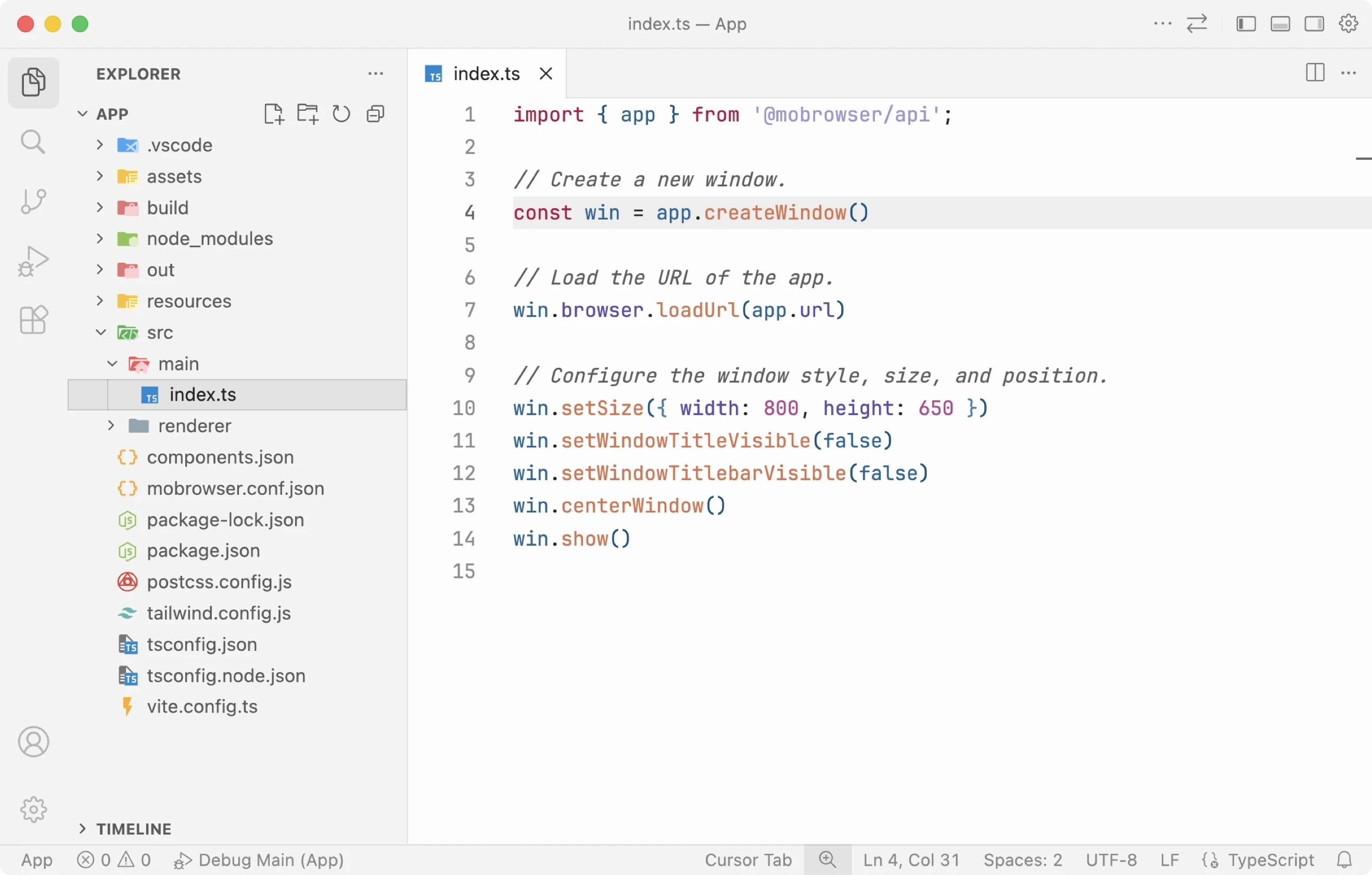
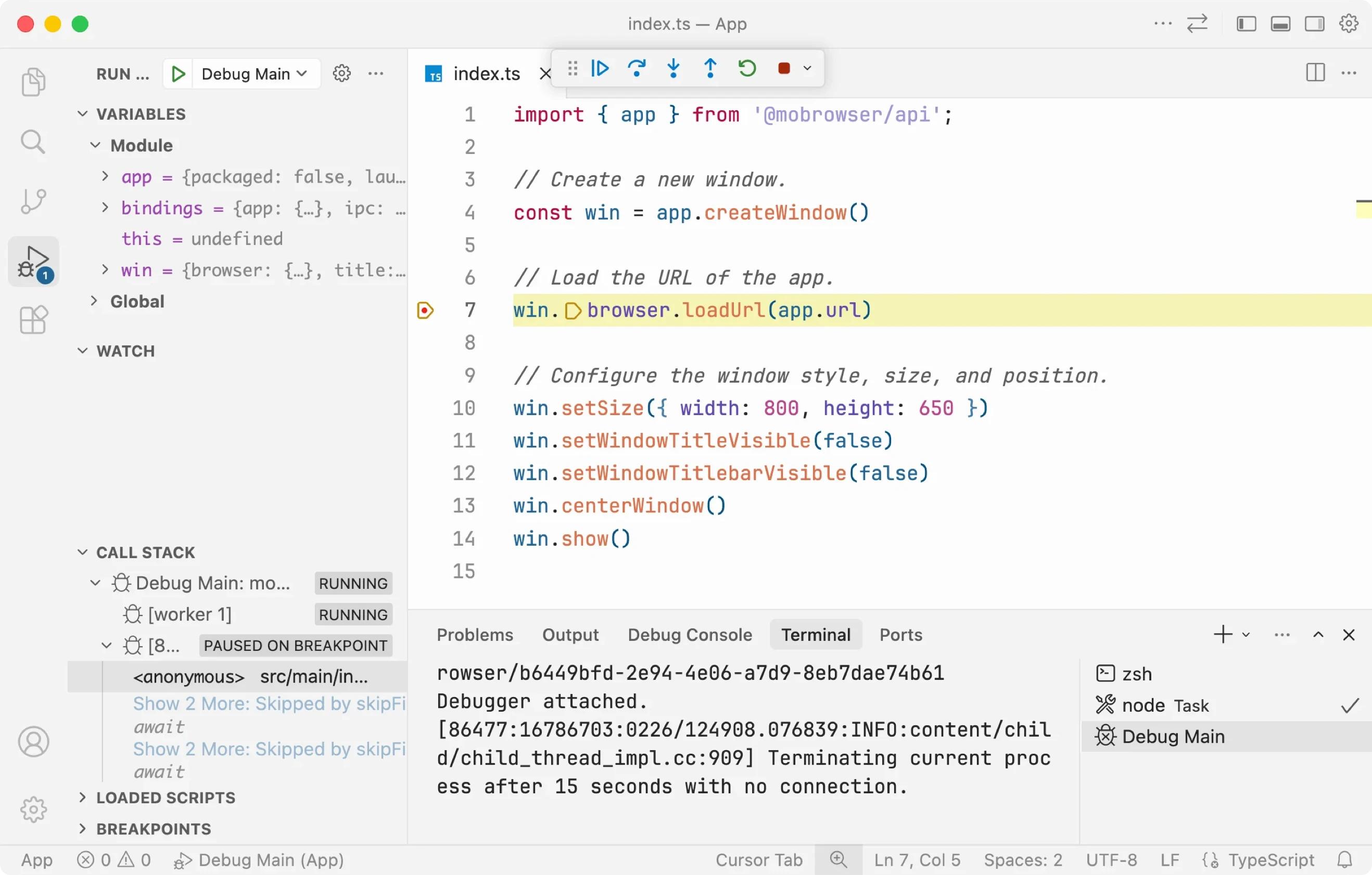
Implement application business logic with TypeScript. Create and customize application windows, display native dialogs, add tray icons, set main menu and context menu, register global shortcuts, etc.

import { app } from '@mobrowser/api';

const win = app.createWindow()
win.browser.loadUrl('https://example.com')
win.show()

Use the built-in VS Code debugger to debug TypeScript code of your application.

JavaScript code
C++ code

Build the application frontend

Build modern, responsive, and beautiful application UI with a wide range of web developer tools, frameworks, ready-to-use UI components.

Debug JavaScript/TypeScript code and modify DOM/CSS with the built-in Chromium DevTools or directly in VS Code.

Run your application in development mode with enabled Hot Module Replacement (HMR), so you can edit the frontend and see the changes on the fly:

$ npm run mobrowser dev
JavaScript code
C++ code

Connect frontend and backend

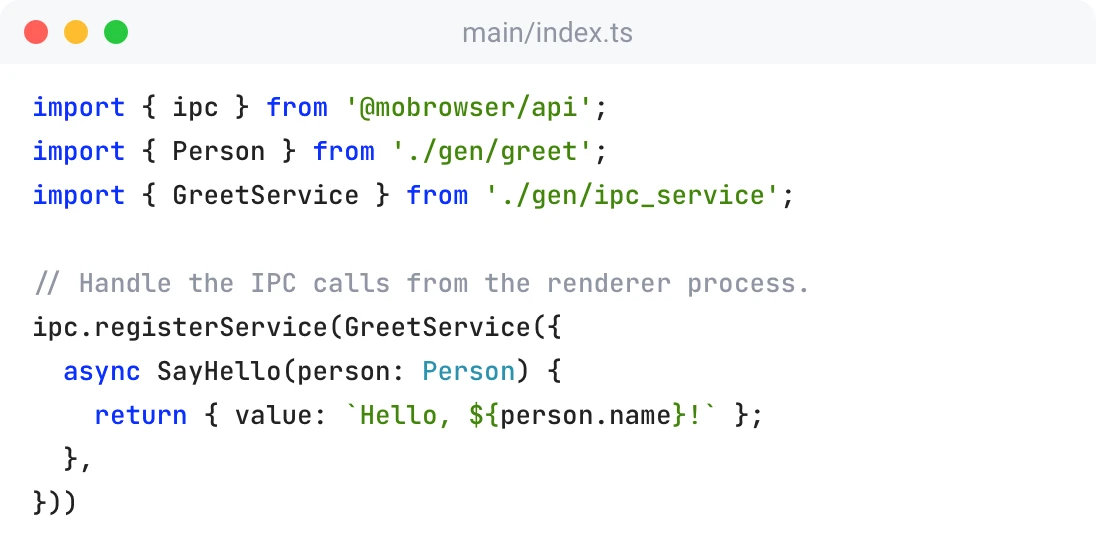
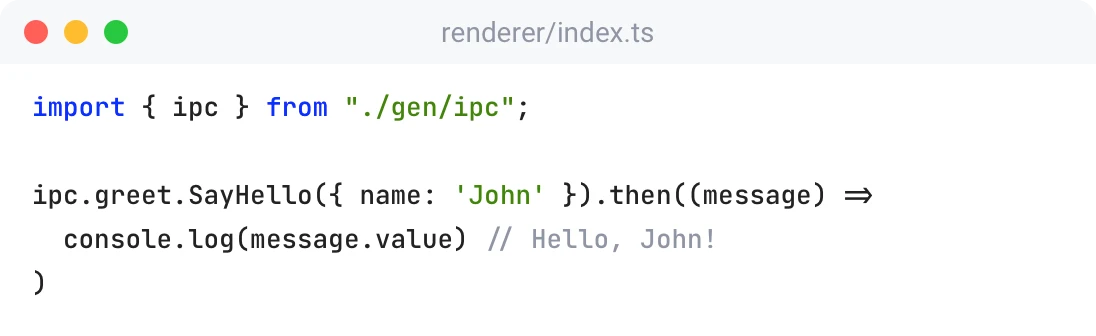
Make Inter-Process Communication (IPC) calls from the sandboxed frontend process to the privileged backend process using Protobuf messages and services.

  • Clear service contract
  • Automatic code generation
  • High-performance serialization and deserialization
  • Compile-time detection of API changes
  • Optimal memory usage

Package and distribute

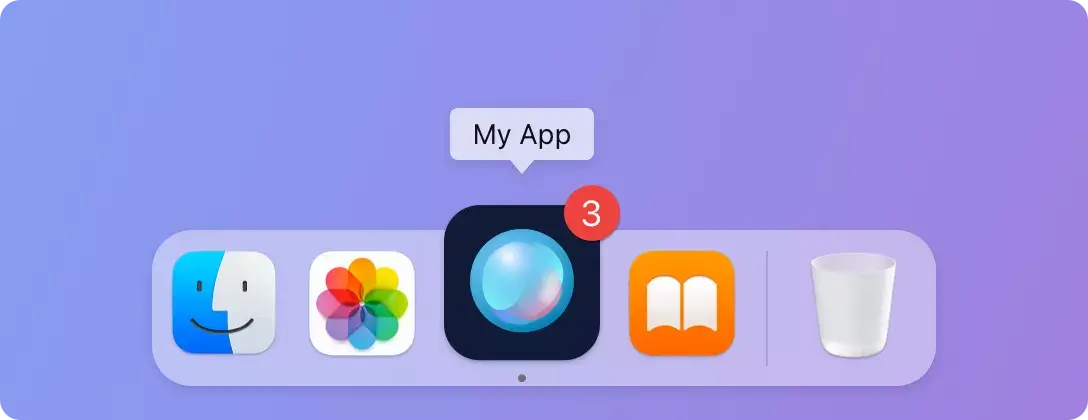
Add branding to your app

Add branding to your app

Customize your application title, icon, description, copyright, version, etc. in the mobrowser.conf.json file.

{
  "app": {
    "name": "App",
    "copyright": "Copyright © 2026 Company Name"
  }
}
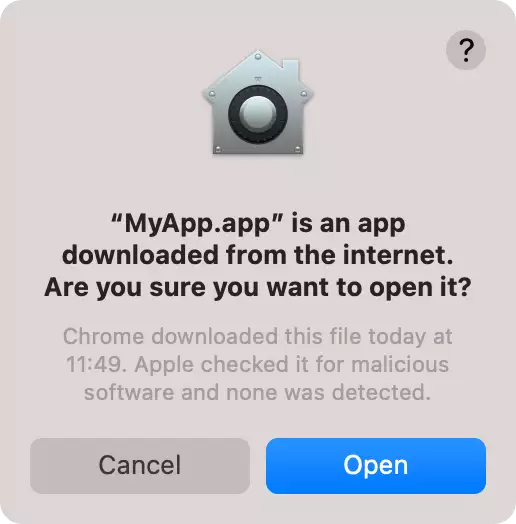
Sign & notarize your app

Sign & notarize your app

Make your app trustworthy for the end users by signing and notarizing it.

Provide your Apple Developer account credentials for macOS and the signtool command for Windows in the config file and your application will be automatically signed and notarized whenever you build it.

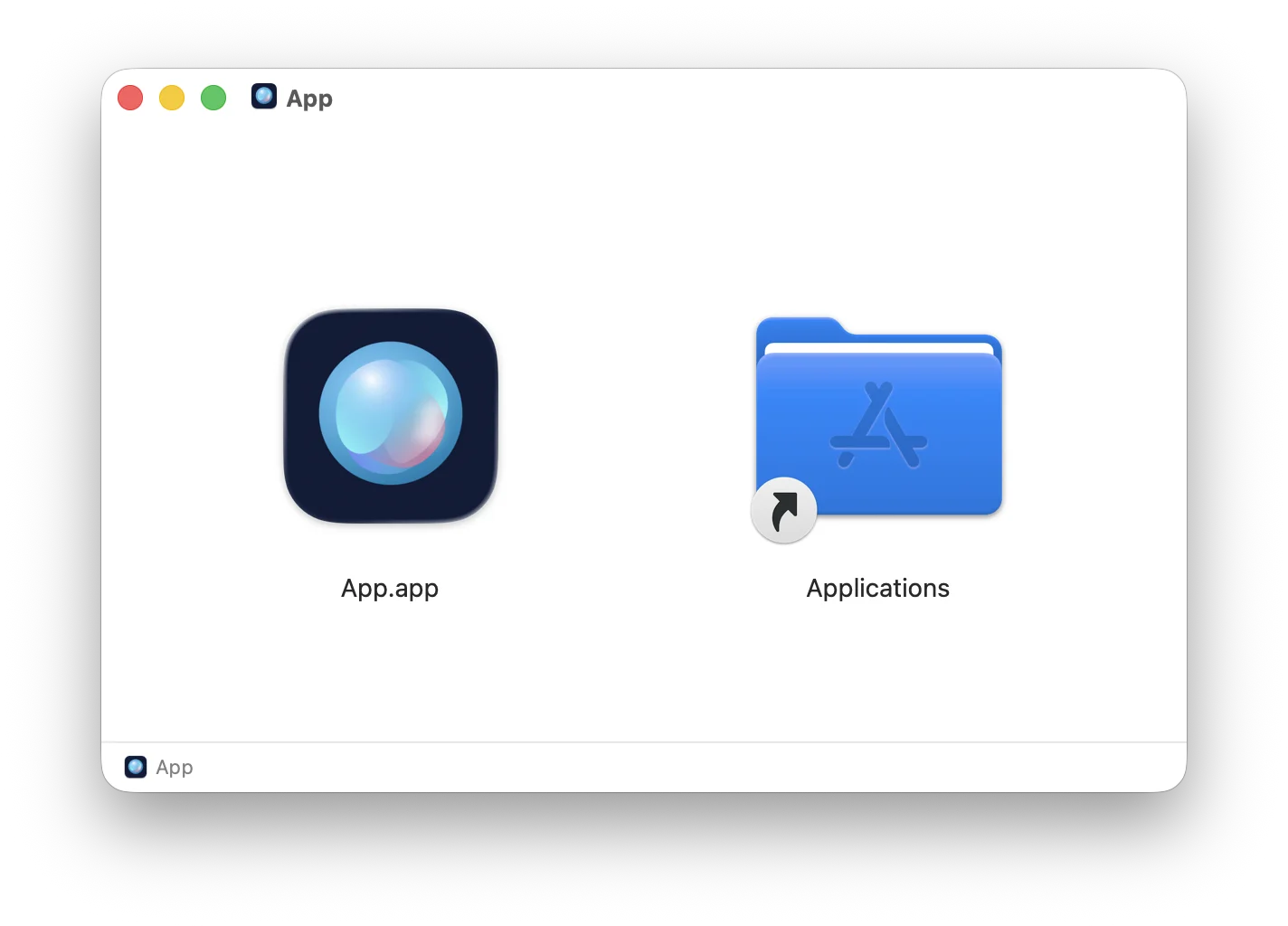
Build a native installer

Build a native installer

Build your application and package it into a native installer for the current platform with a single command:

$ npm run mobrowser build

Ship your app as a native executable for the best user experience on all major platforms.

Windows x64
macOS Apple Silicon
Linux x64
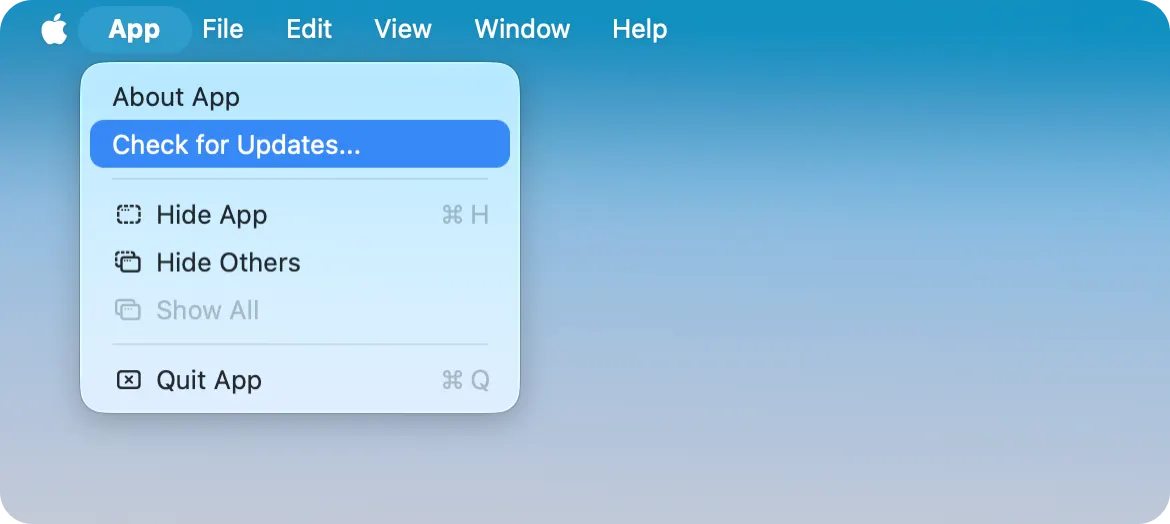
Automatic application updates

Automatic application updates

Deliver new versions of your app to the end users using the built-in application auto-update mechanism with small delta updates.

Keep your application updates on your own update server or use a third-party service like Amazon S3 or Google Cloud Storage.

Features

An all-in-one solution for teams that want to build a desktop app using a familiar web stack and ship it to users in months, not years.

Background image Background image Background image

Enterprise support with SLAs

Your success in production is part of our responsibility.

Response within 4 business hours

Response within 4 business hours

Rely on our strict SLAs to minimize downtime and receive meaningful feedback to your requests.

Talk directly to developers

Talk directly to developers

The product engineers themselves handle all technical support requests. Get as technical as you need, discussing ways to make MōBrowser work for you.

Communicate securely

Communicate securely

With private support communication channels, all sensitive information about your project is safe and strictly confidential.

Get technical help or share your feedback with the MōBrowser team.

Discuss your requirements, learn about pricing, or request a demo.

Pricing

For the teams that move fast and think long-term.

Non-commercial use

Includes

  • Product updates

  • Full documentation access

  • Community support

Commercial use

Everything in Free, plus

  • 1 year of priority support

  • Service Level Agreements

  • 1 account in Help Center

  • Dedicated account manager

  • Hotfixes and security updates

  • Consulting and expert advice

The price is exclusive of any taxes.